
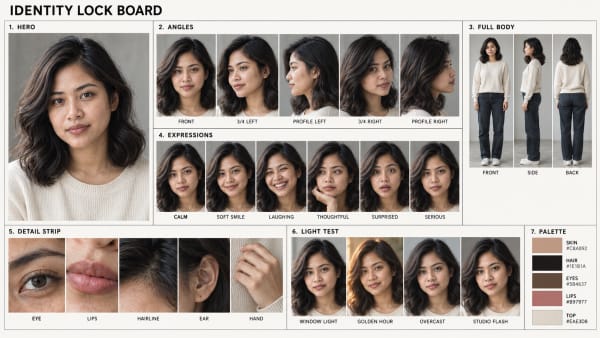
Image prompts that make scroll-stopping content
Browse by style and use case. Copy a prompt, or run it in TrendyFlow in one click.
43 free AI image prompts for GPT Image and Nano Banana · Updated
Latest prompts
43 prompts
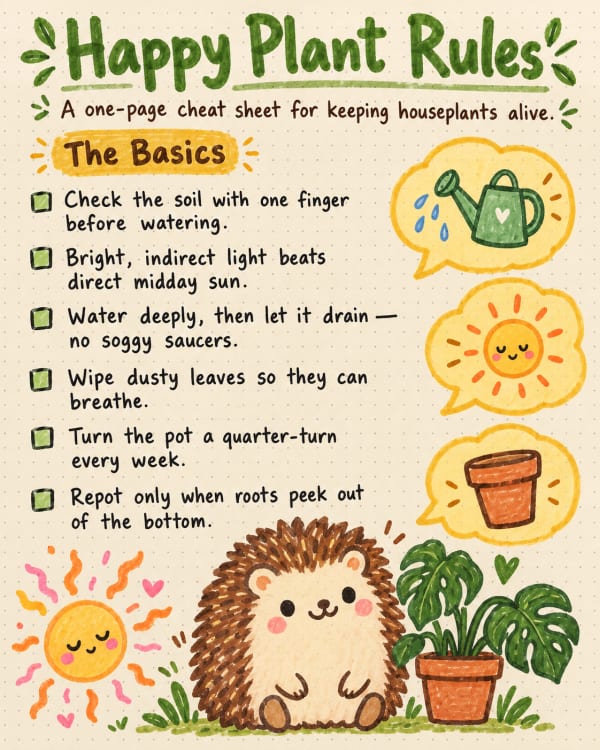
Houseplant Care Kawaii Anchor Chart
Hand-drawn notes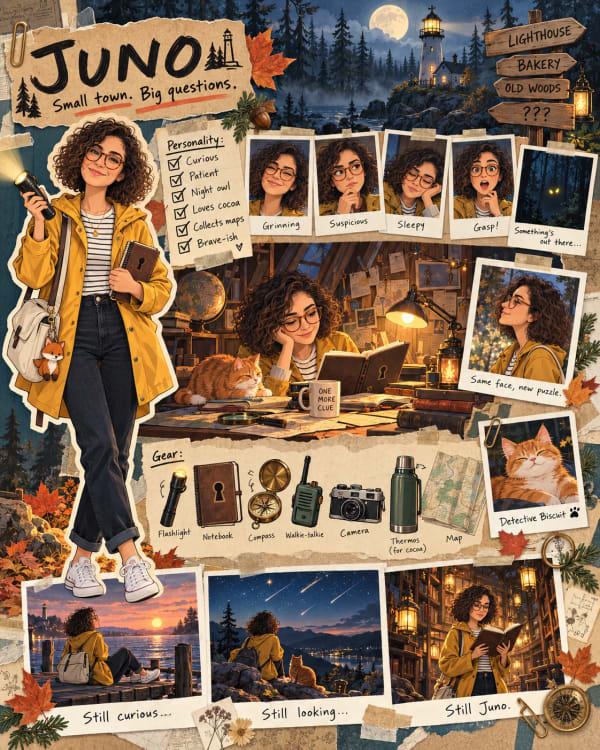
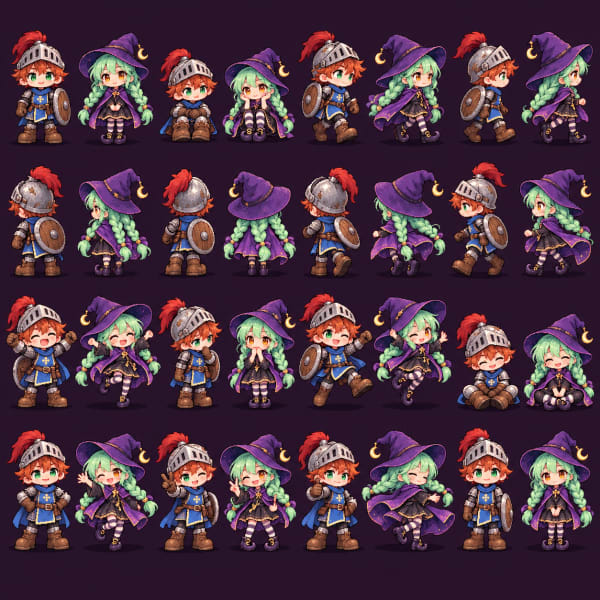
Cozy Mystery-Town Cartoon Scrapbook Character Board
Character Sheet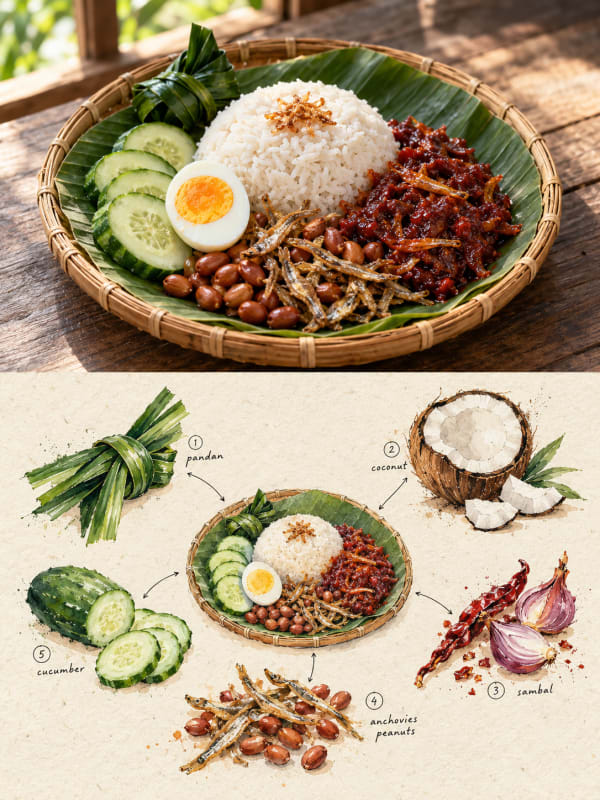
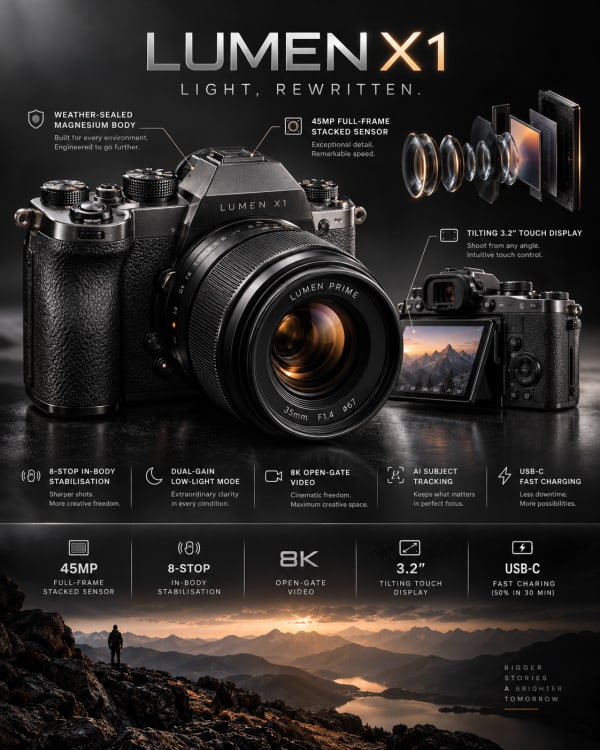
Premium Mirrorless Camera Tech Infographic
Infographic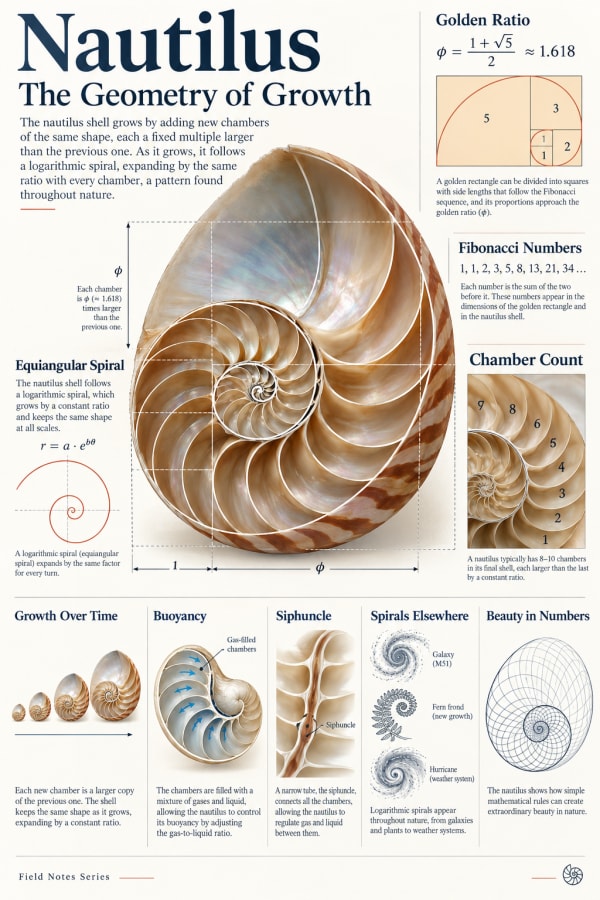
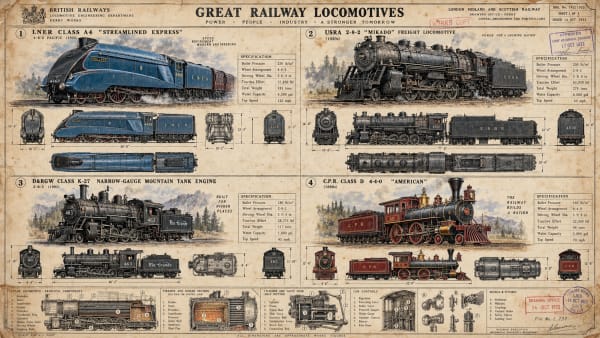
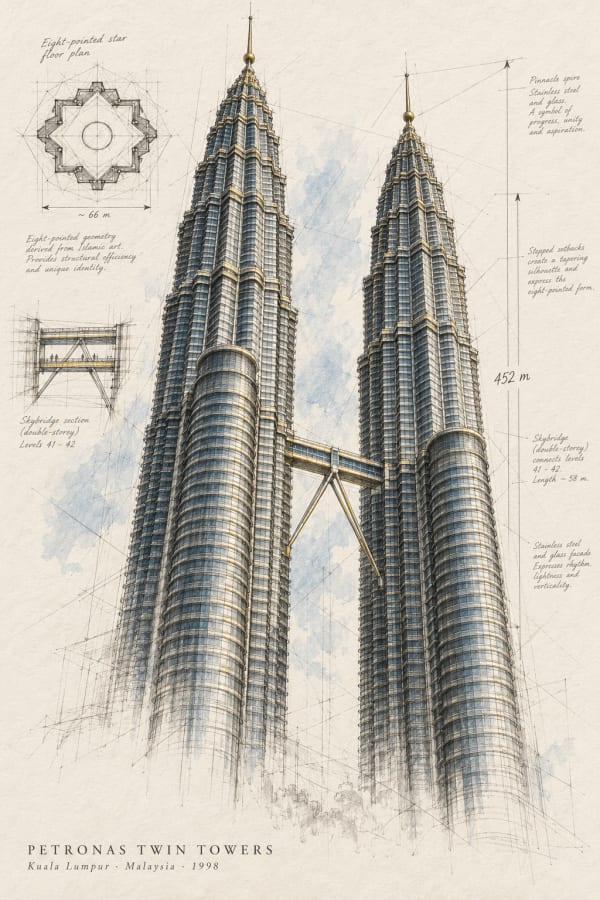
Vintage Steam Locomotive Engineering Poster
Infographic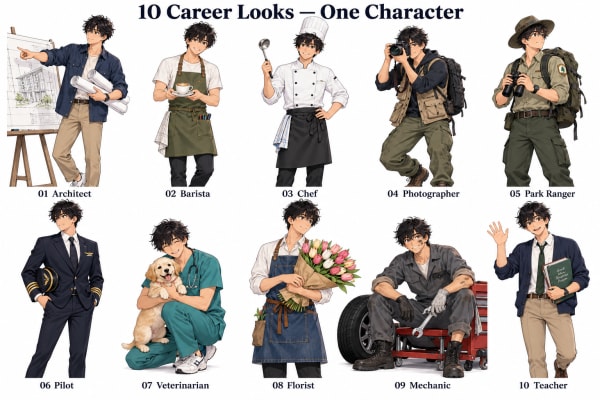
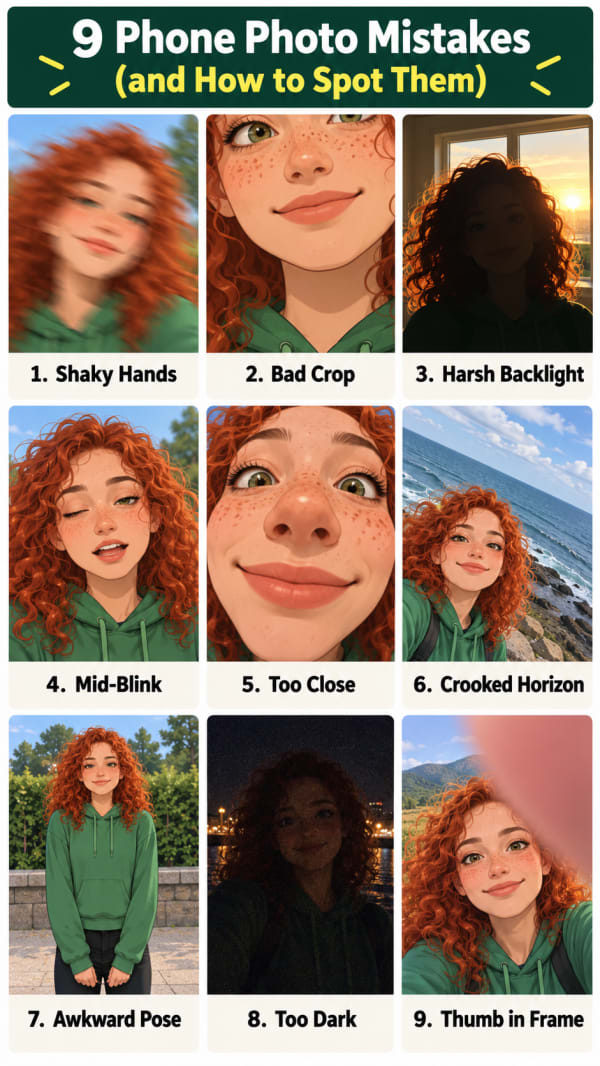
9 Common Phone Photo Mistakes Grid
Infographic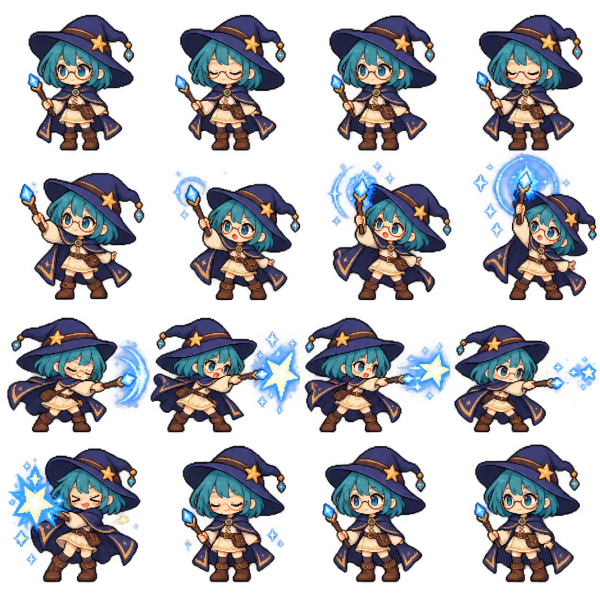
16-Frame Pixel Spell-Cast Sprite Sheet from Your Character
Character Sheet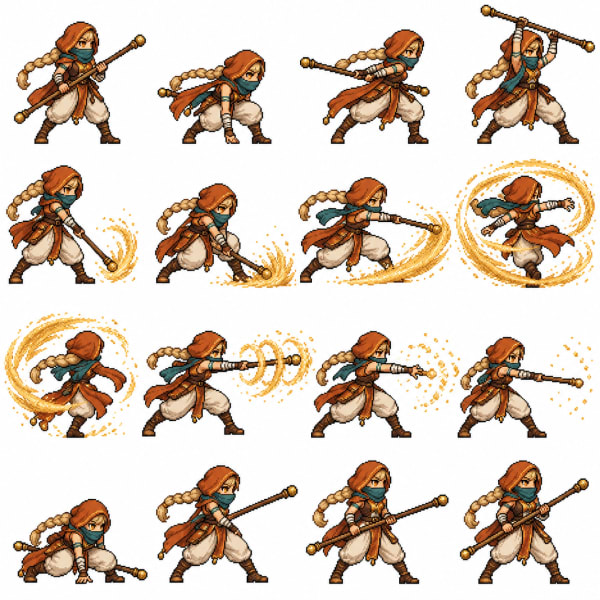
4x4 Pixel Art Staff Combat Sprite Sheet
Character Sheet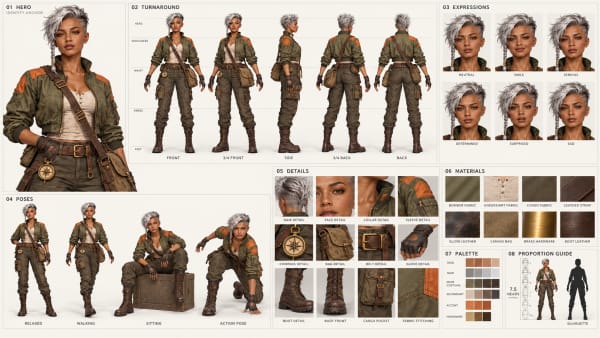
Studio Character Turnaround & Model Sheet
Character Sheet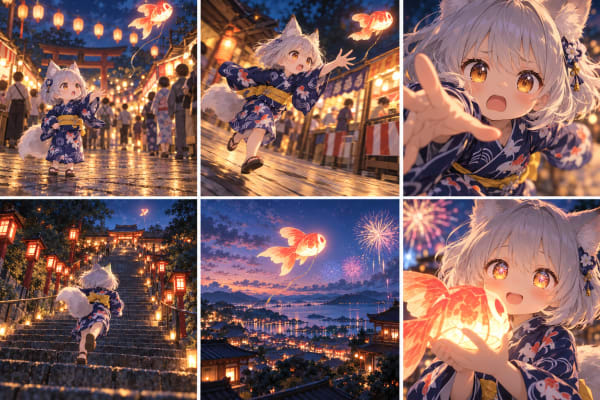
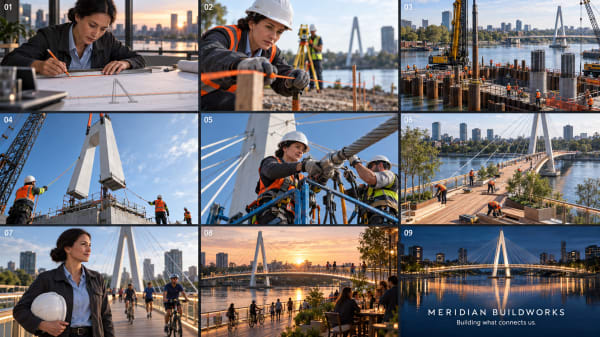
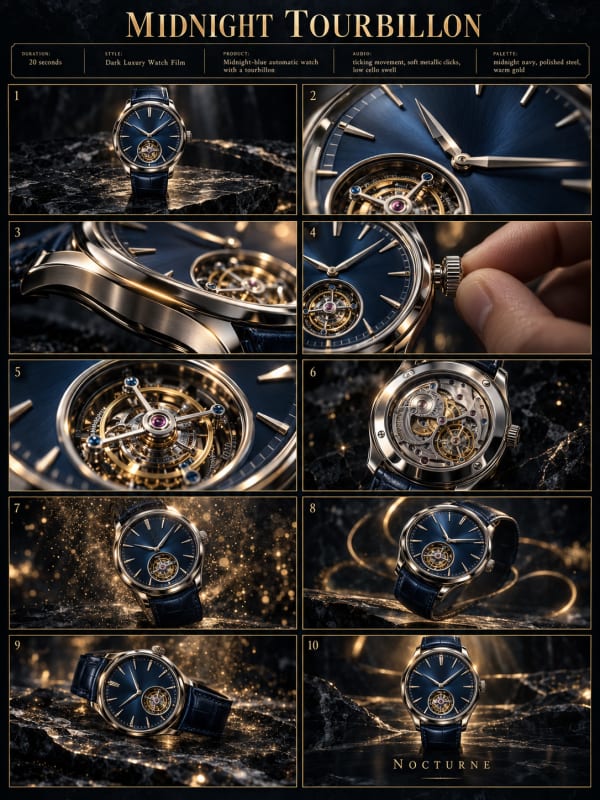
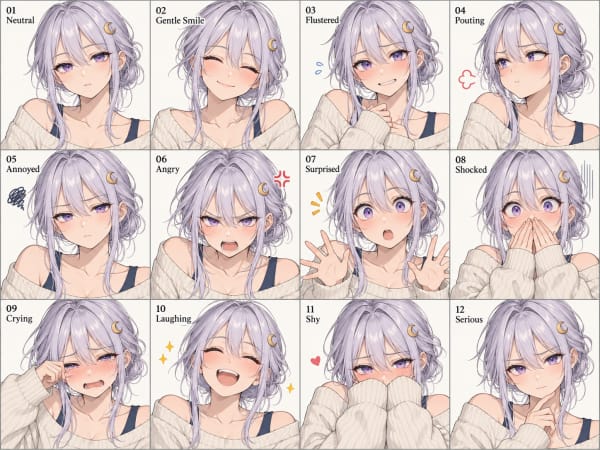
Anime Girl 12 Expression Sheet
Character Sheet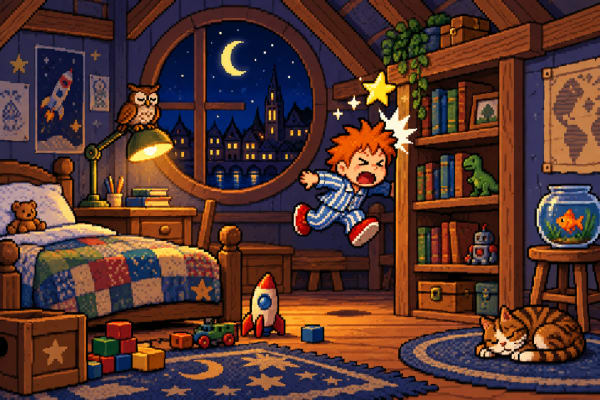
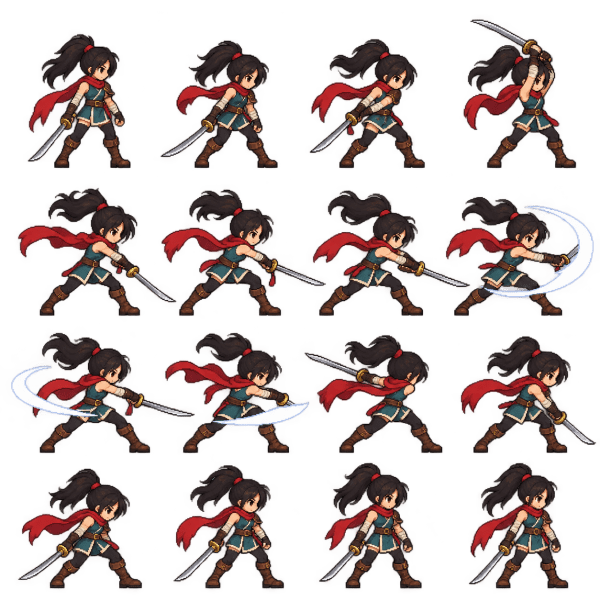
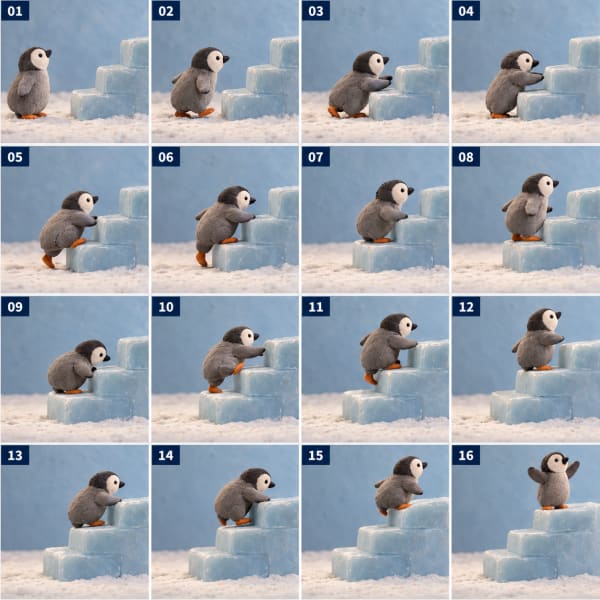
16-Frame Pixel Action Sprite Sheet from a Starter Character
Character Sheet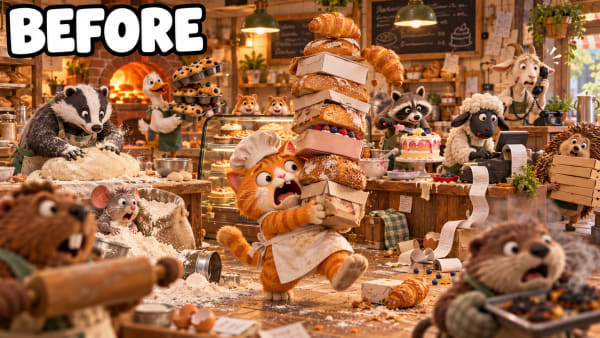
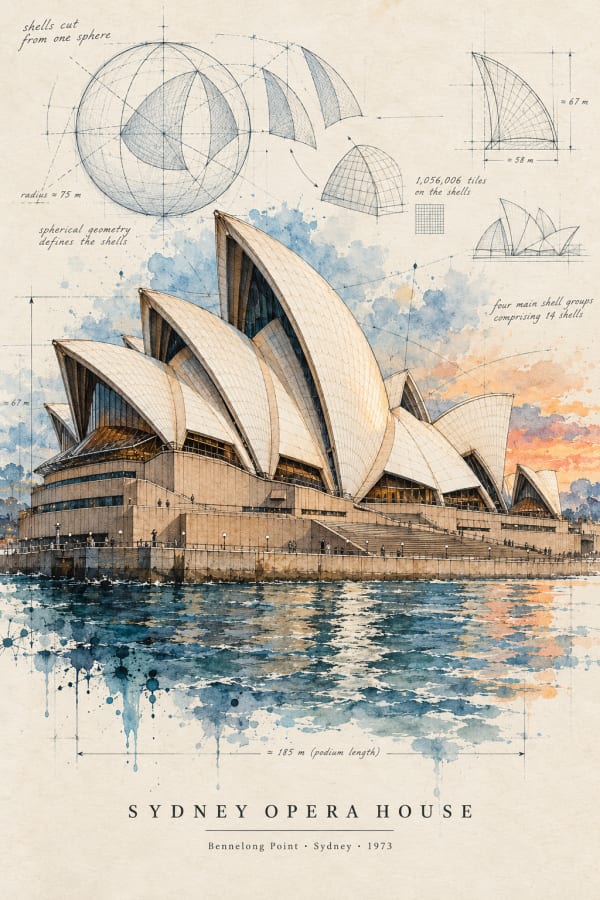
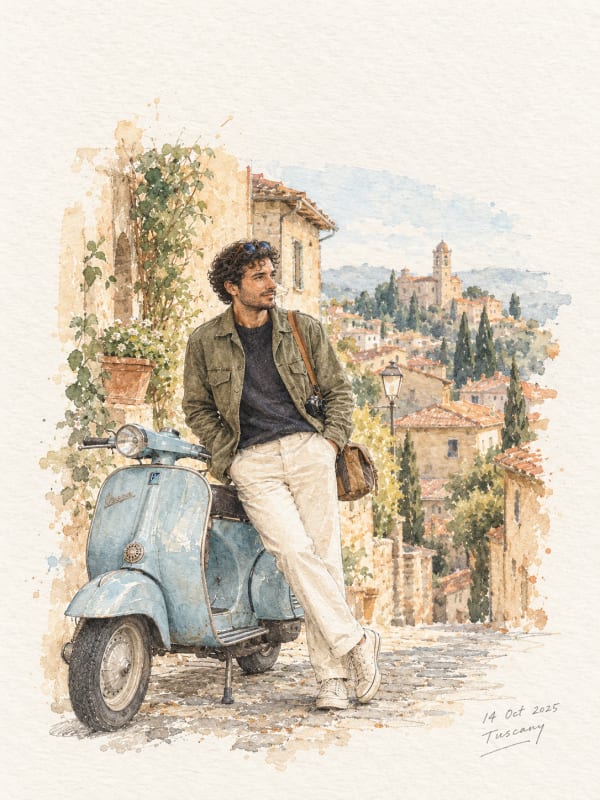
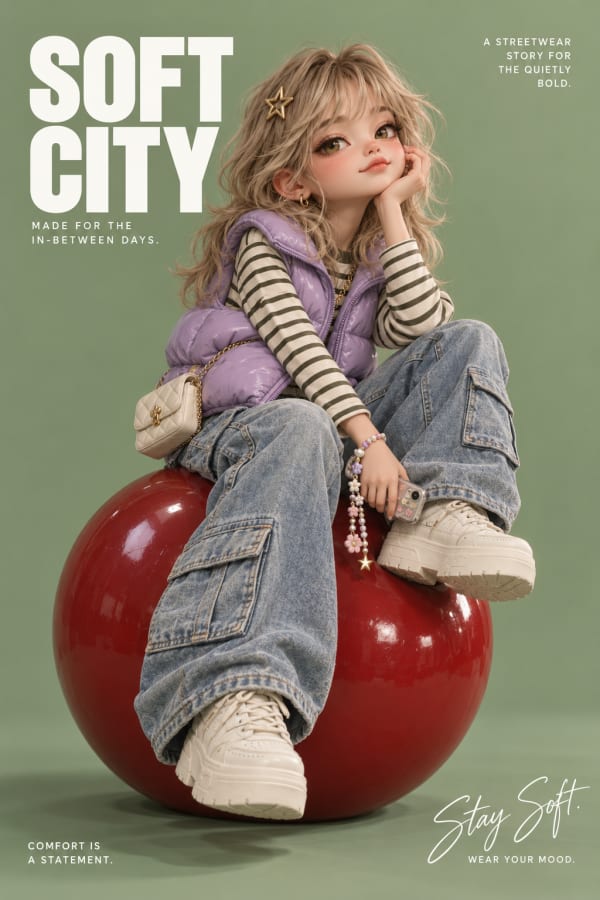
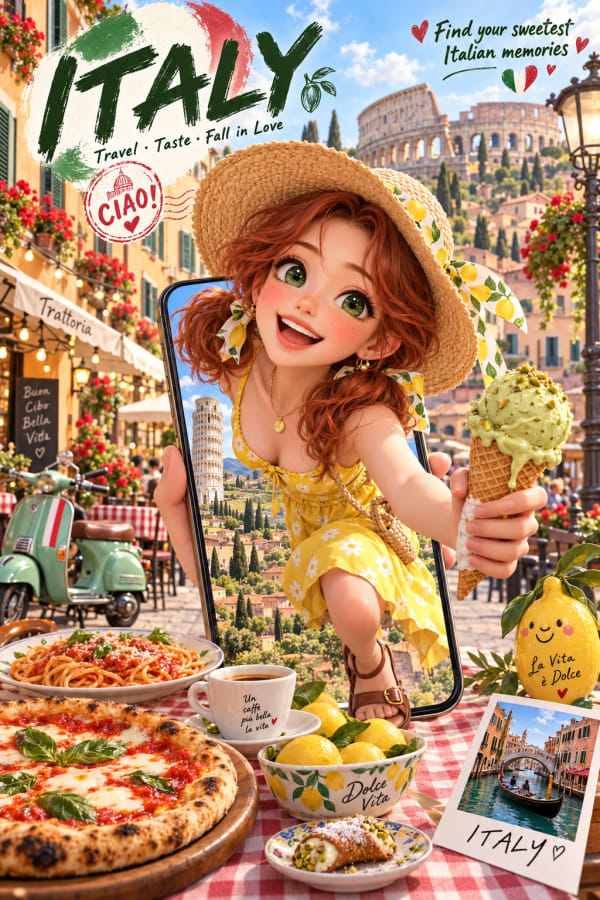
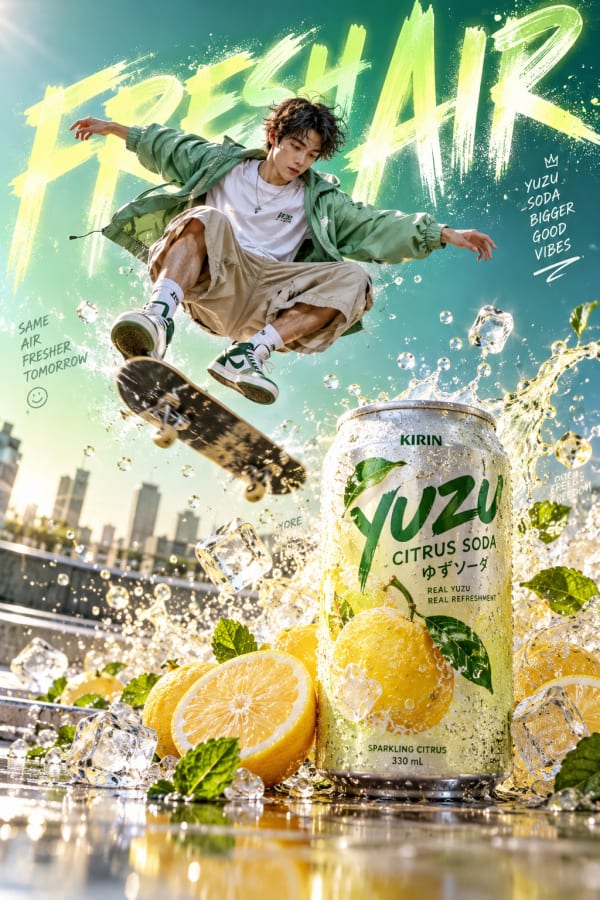
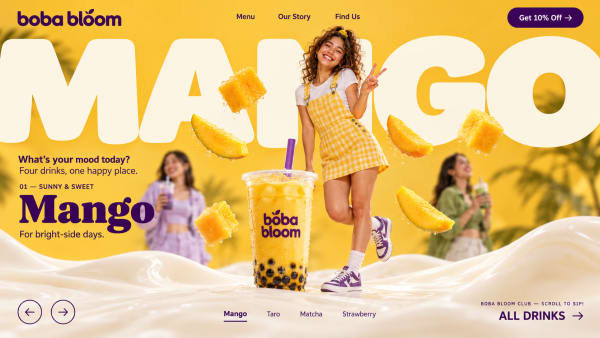
Yuzu Citrus Soda Hyper-Real Skate Advertisement
Hyper-realistic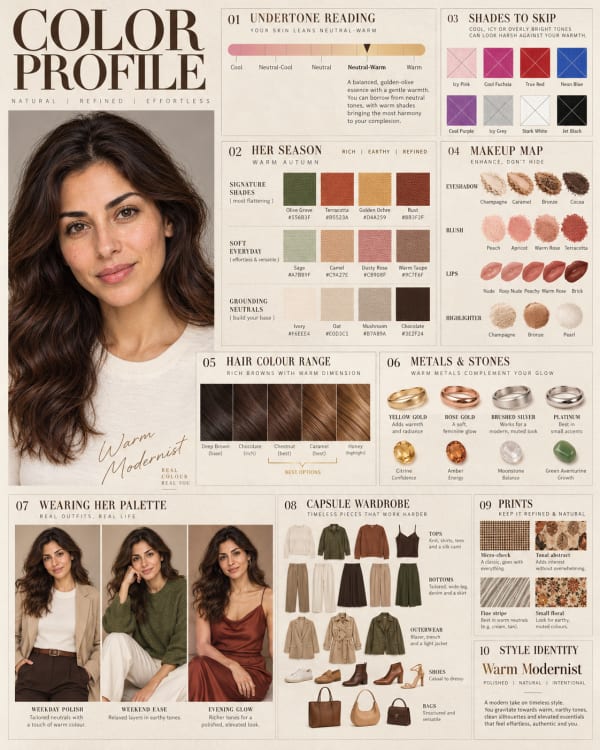
Color Profile Infographic
Infographic
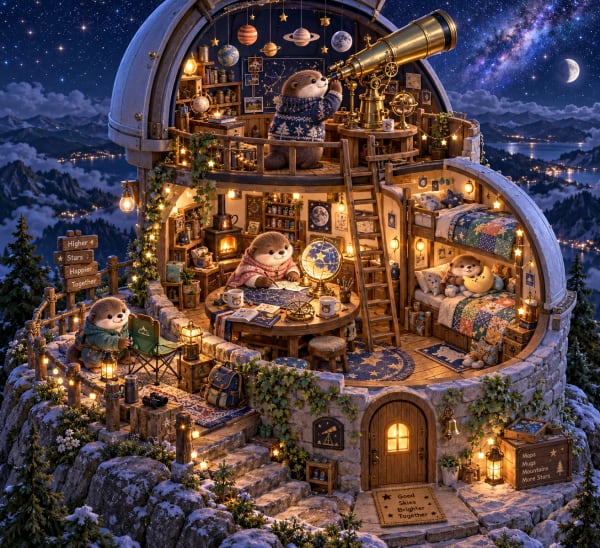
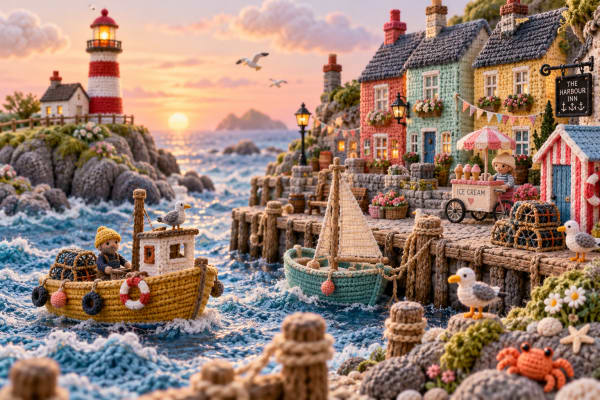
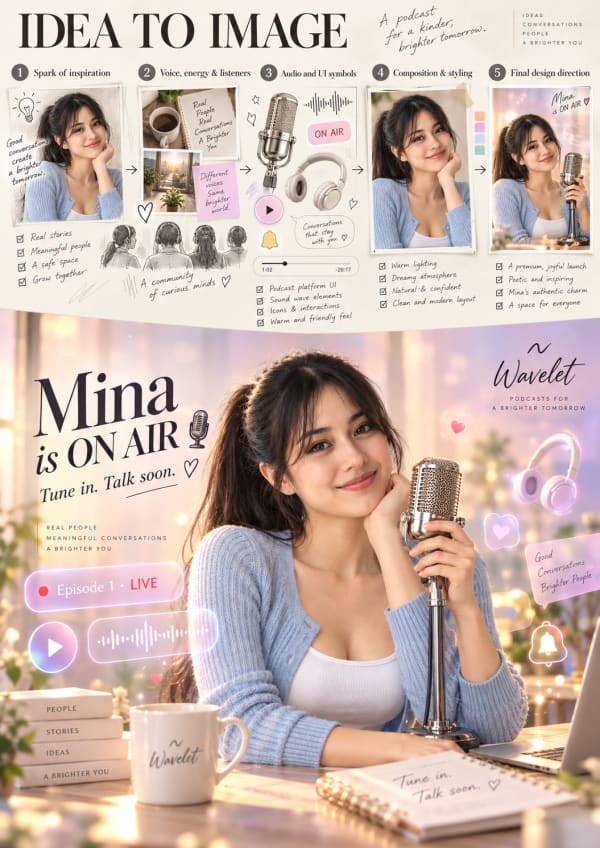
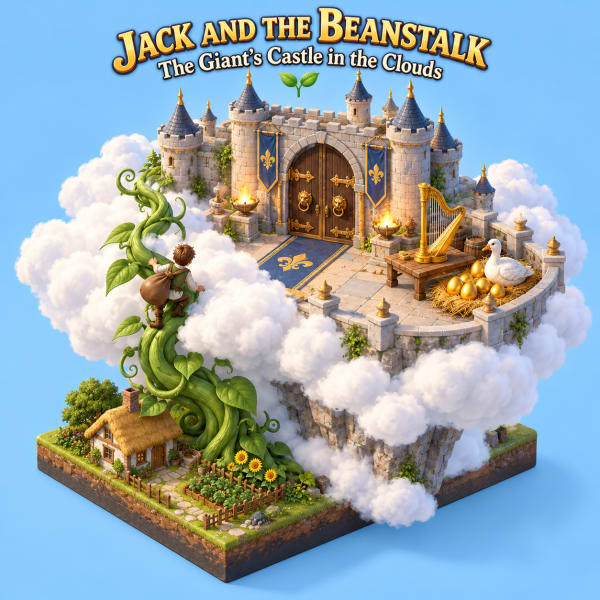
How to write an AI image prompt that works
Every prompt in this library follows the same five-part structure. Use it as a checklist when you write your own.
Try prompts in TrendyFlow- 1
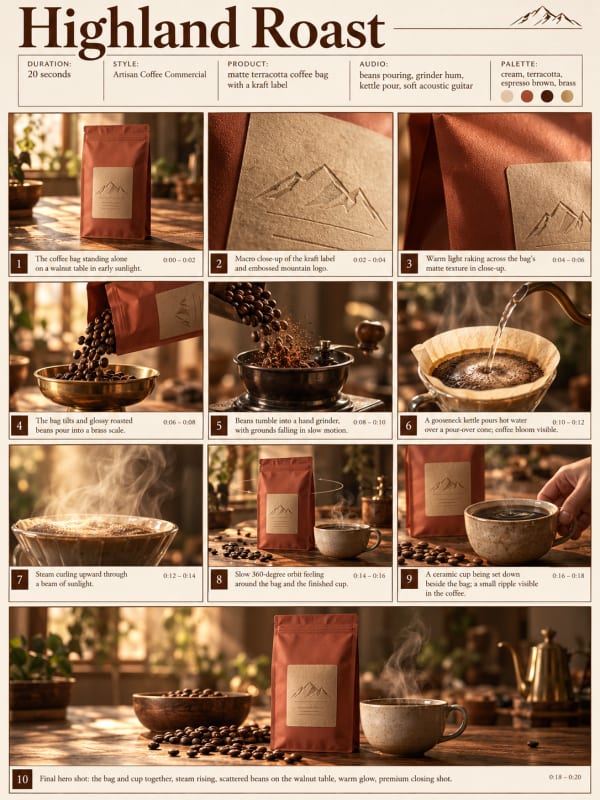
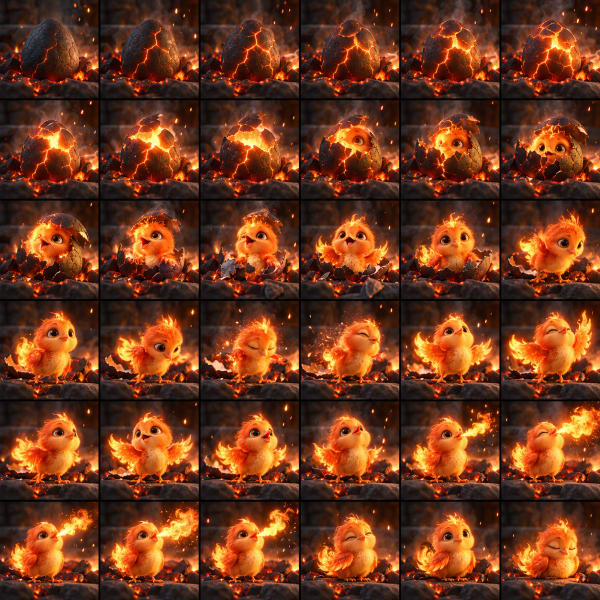
Format. State the output type and aspect ratio first, e.g. “vertical 4:5 poster” or “3x3 storyboard grid”.
- 2
Subject. Describe who or what is in the image, with identifying details you want kept.
- 3
Layout. Break the image into numbered sections or panels and say what goes in each.
- 4
Style and light. Name the medium (clay, watercolor, 85mm photo), the palette and the lighting.
- 5
Text and limits. Put exact on-image words in quotes, then list what to avoid: no watermark, no extra text.
Browse prompts by style
- Storyboard promptsRapid Ideation7
- Character Sheet promptsRapid Ideation7
- Typography promptsRapid Ideation1
- Clay style promptsStyles2
- Isometric promptsStyles3
- Pixel Art promptsStyles2
- Comic promptsStyles1
- 3D Render promptsStyles2
- Chibi promptsStyles1
- Hyper-realistic promptsStyles1
- Crochet promptsStyles1
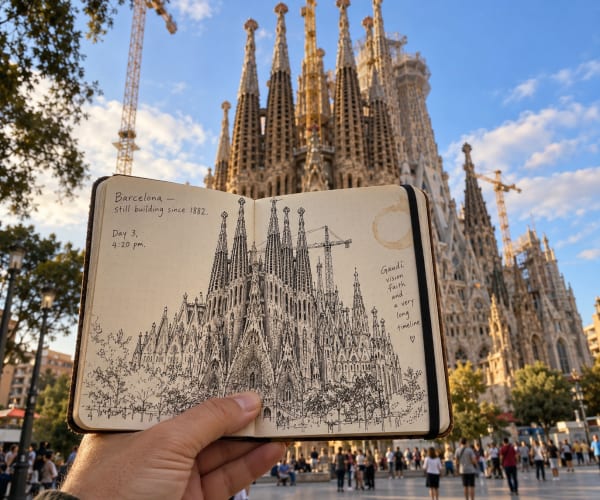
- Sketch promptsHand Drawn Styles3
- Watercolor promptsHand Drawn Styles1
- Hand-drawn notes promptsHand Drawn Styles1
- Food art promptsPosters1
- Infographic promptsPosters7
- Poster promptsPosters4
- Website promptsWebsite1
Frequently asked questions
Quick answers about AI image prompts, models and using this library.
What is an AI image prompt?
An AI image prompt is the text instruction you give an image model such as GPT Image or Nano Banana Pro. A good prompt names the subject, the layout or composition, the visual style, the lighting and any exact text that must appear. The more specific each part is, the closer the result is to what you pictured.
Are these AI image prompts free to use?
Yes. Every prompt in the TrendyFlow library is free to copy, edit and reuse, including for client and commercial work. You don't need an account to copy them. You only need an image model to run them, and TrendyFlow gives you free trial credits to try them.
Which AI image generator do these prompts work with?
The prompts were written and tested with GPT Image. Because they are plain English with clear structure, they also work in other strong image models such as Google's Nano Banana Pro, which you can run inside TrendyFlow. Results vary a little between models, so expect to tweak one or two details.
How do I write a good prompt for AI image generation?
Start with the format and aspect ratio, then describe the subject, the layout section by section, the style and lighting, and finally what to avoid. Put any words that must appear in the image in quotation marks. Each prompt in this library follows that order, so you can use any of them as a template.
How do I keep the same character or face across multiple AI images?
Generate a character sheet first: one board that shows the person or character from several angles with expressions and colour swatches. Then upload that sheet as a reference image with every later prompt and say 'same character as the reference'. The Character Sheet prompts in this library are built for exactly that.
How do I use a prompt with a reference image?
Upload your photo or the provided reference image to a model that accepts image input, such as GPT Image or Nano Banana Pro, then paste the prompt. Prompts that start with 'Using the uploaded…' expect a reference. On prompt pages that include one, you can download the reference image next to the result.
Why does AI get text wrong in images, and how do I fix it?
Image models draw letters as shapes, so long or unusual words often come out misspelled. Keep on-image text short, put it in quotation marks, say where it goes and what font style to use, and use a model known for text rendering such as GPT Image or Nano Banana Pro. Regenerate or edit just the text area if one word is still off.
How do I make an AI storyboard or comic with consistent panels?
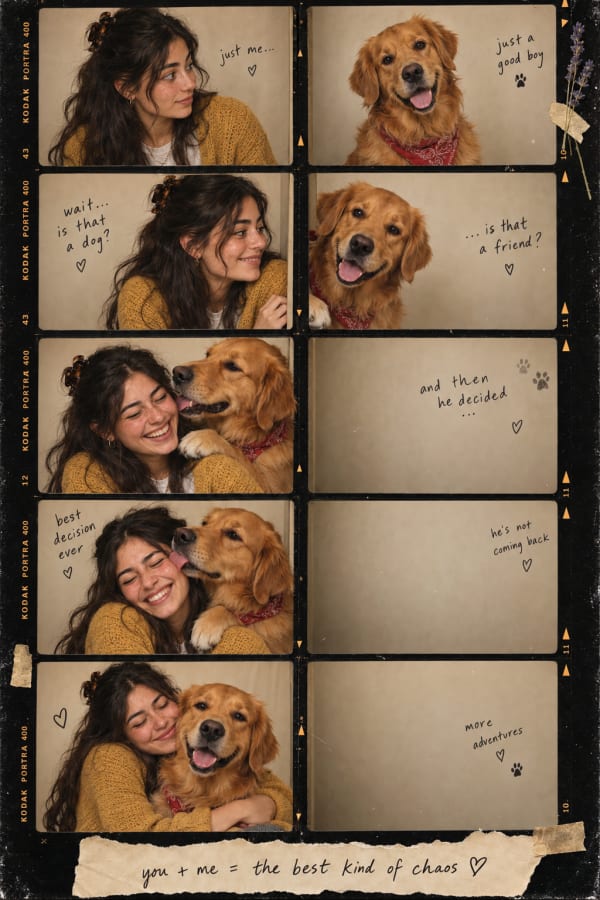
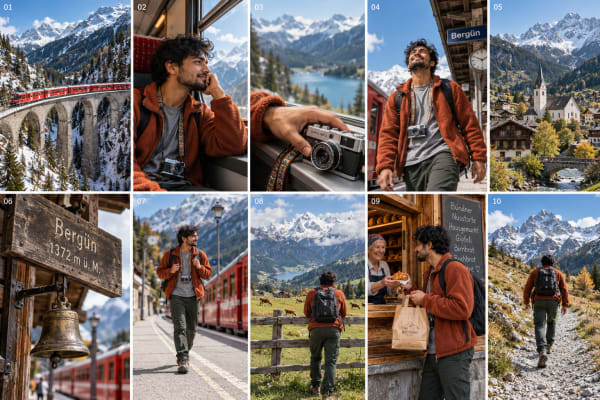
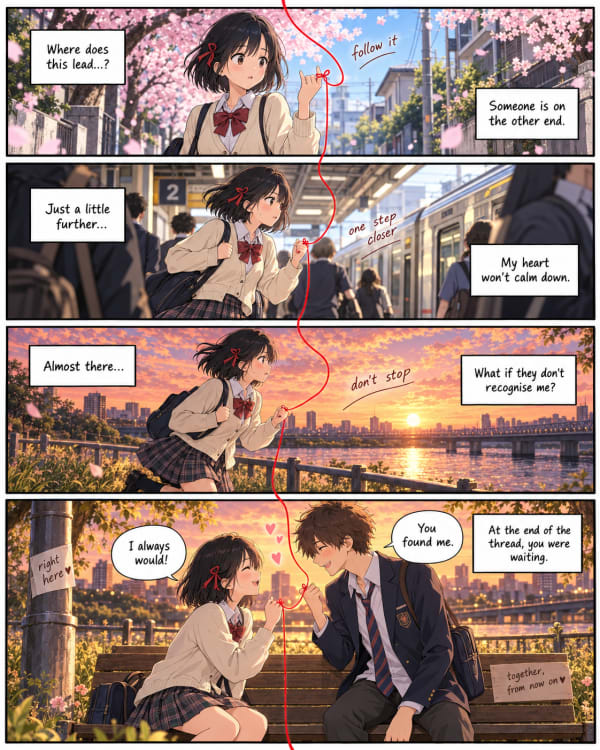
Ask for a single image with a fixed grid, for example '3x3 storyboard' or 'four-panel manga page', then describe each panel in numbered order with shot type and action. Keeping the character description identical in every panel helps the model stay consistent. See the Storyboard and Comic prompts for working examples.
Can I use AI-generated images for commercial work?
Generally yes, but it depends on the terms of the model provider you use, and you should avoid prompts that copy trademarks, real people's likeness without consent or another artist's protected work. Check the current usage policy of the model before using images in ads or products.
Can I run these prompts as a repeatable workflow instead of one by one?
Yes. In TrendyFlow you paste a prompt into a node on a visual canvas, connect reference images and image or video models, and re-run the whole chain whenever you change an input. That makes it easy to turn a still into a video or produce a batch of variations for a campaign.
More from the team
Need more than prompts?
Pick what fits you. Tap a card to see the details.