
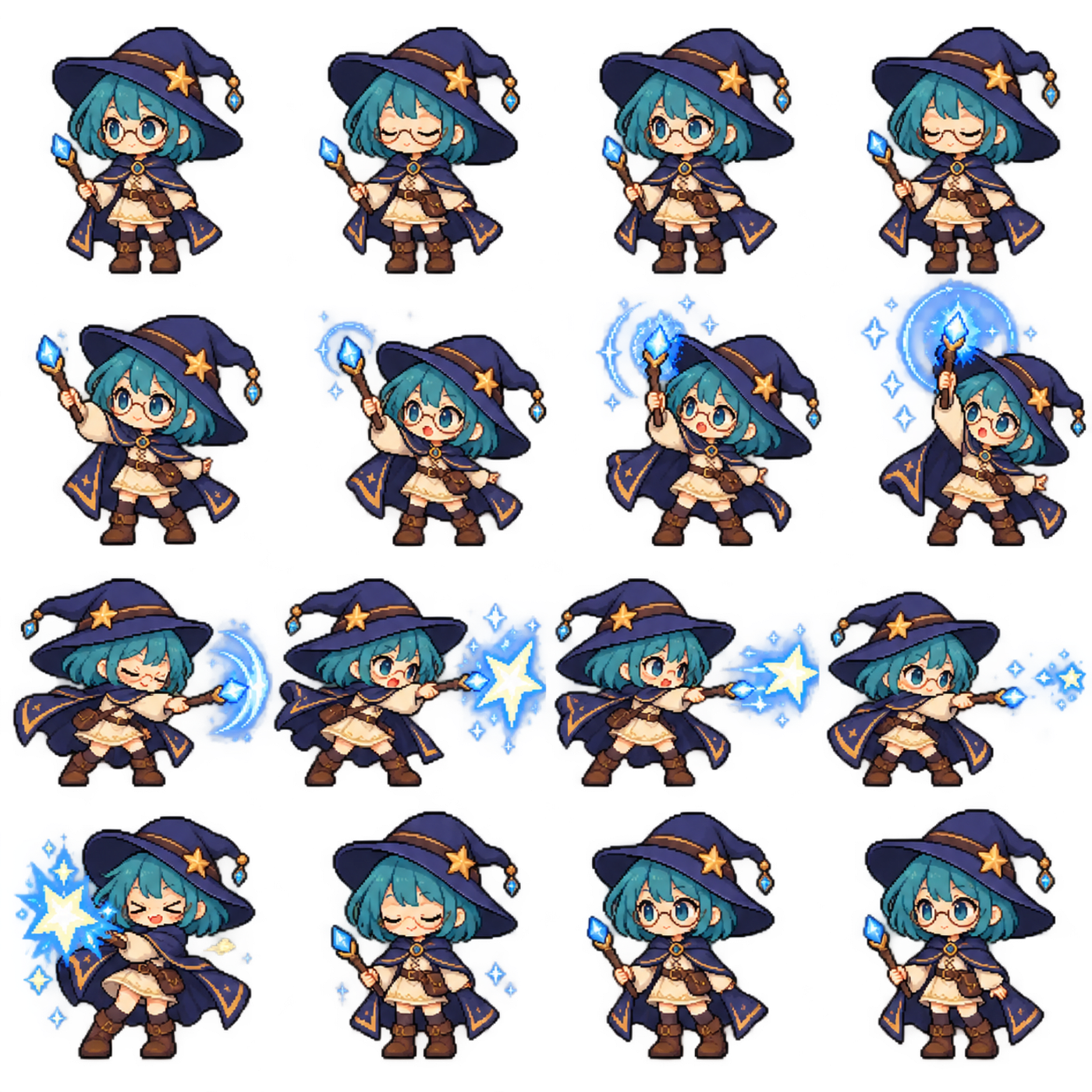
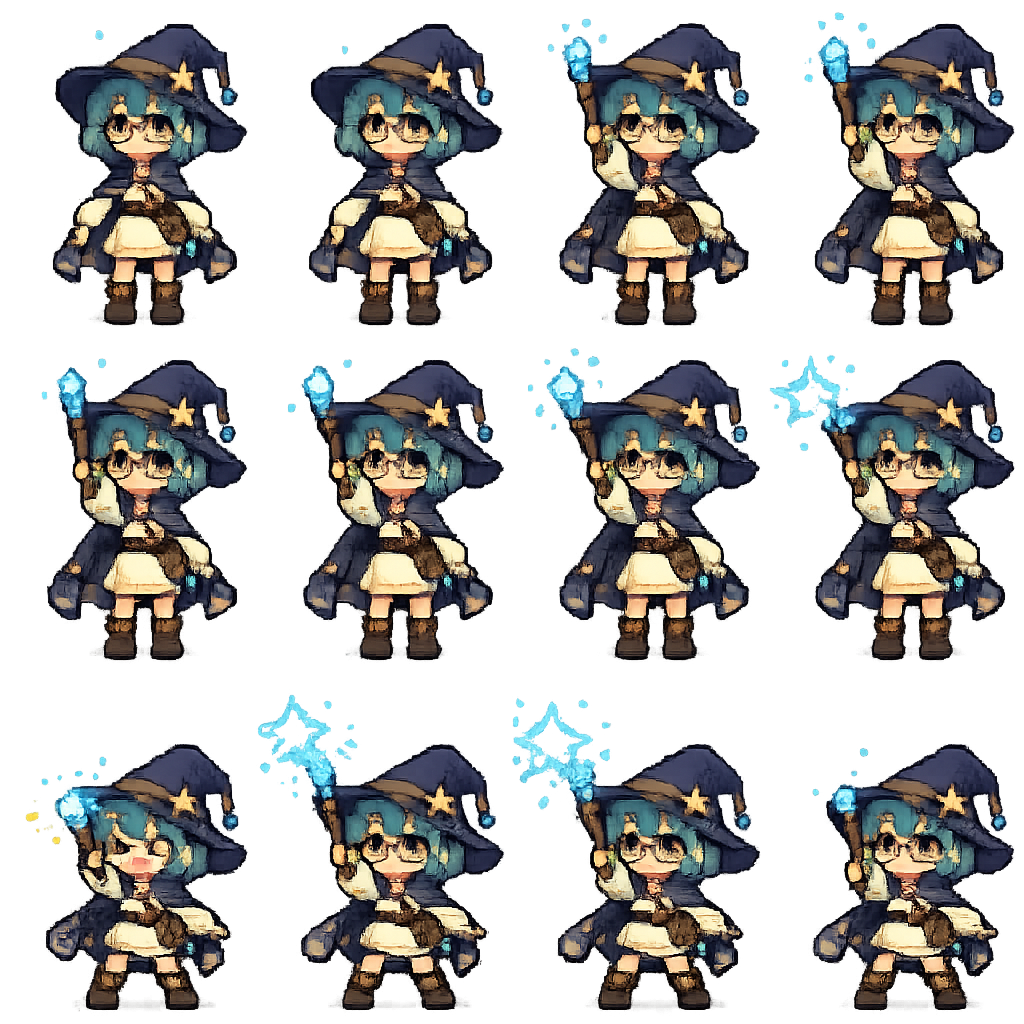
16-Frame Pixel Spell-Cast Sprite Sheet from Your Character
A free character sheet prompt for GPT Image that works with an uploaded reference image. Copy it as-is, or change the subject and details to fit your idea.
Full prompt
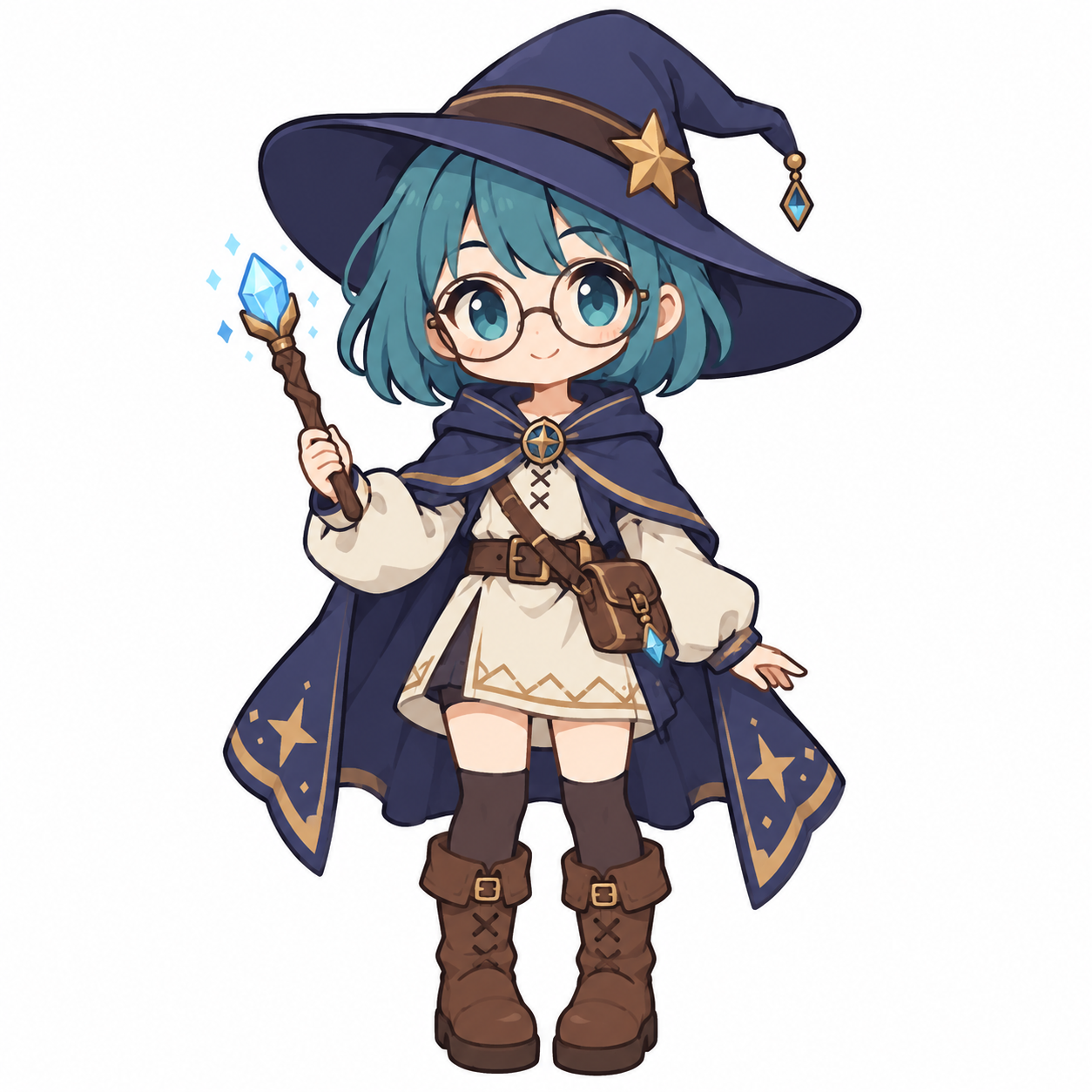
Turn the character in the uploaded image into a pixel-art sprite sheet of a spell-casting animation.

• Simplified 128 px pixel-art style, hard-edged pixels, limited palette, black outlines.
• Exactly 16 frames in a 4×4 grid, read left to right, top to bottom, every cell the same size.
• Row 1: idle (4 frames). Row 2: wand raise and charge with a growing glow (4). Row 3: cast — a star-shaped burst leaves the wand (4). Row 4: hit-react and recover back to idle (4).
• Keep the same face, hair, outfit colours and props in every frame; same scale, same foot baseline, same facing direction.
• Transparent background (or one flat solid colour if transparency fails). No text, numbers or grid lines.
How to use this prompt
- 1Copy the full prompt and download the reference image shown next to the result.
- 2Open GPT Image or an image node in TrendyFlow, upload the reference image, then paste the prompt.
- 3Swap the subject, style, colours or on-image text to fit your idea, then generate and iterate.
This is a free prompt from TrendyFlow's library. Explore more character sheet prompts, all free to copy and adapt.
More character sheet promptsRelated prompts
Same-Face Portrait Identity Board
Character Sheet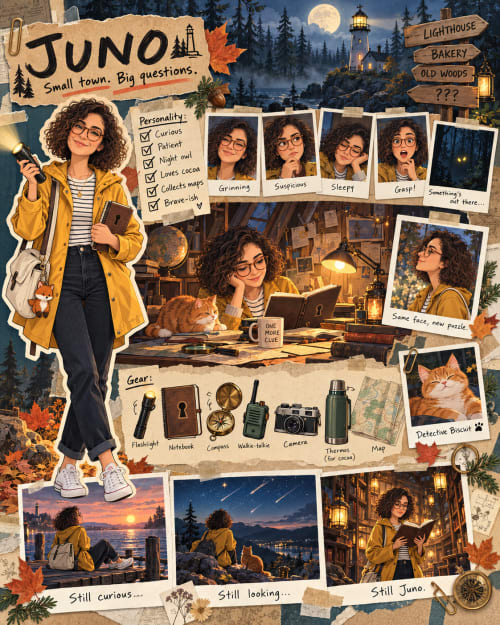
Cozy Mystery-Town Cartoon Scrapbook Character Board
Character Sheet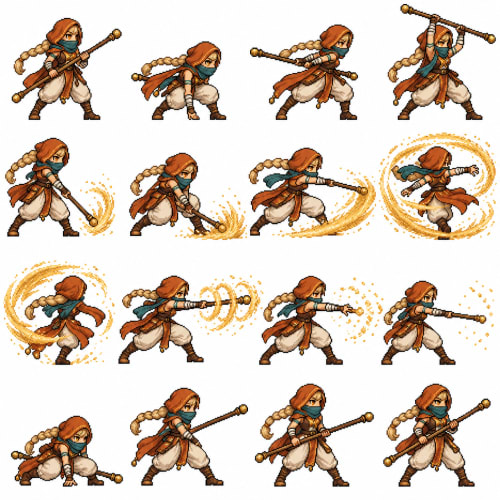
4x4 Pixel Art Staff Combat Sprite Sheet
Character Sheet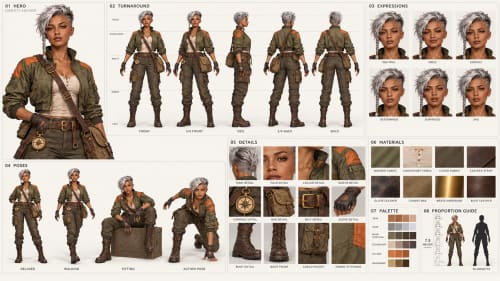
Studio Character Turnaround & Model Sheet
Character SheetQuestions about this prompt
Can I change this character sheet prompt for my own subject?
Yes. Keep the structure (format, layout, style and constraints) and replace only the subject, names, colours or text. Changing one section at a time makes it easier to see what each edit does.
Do I need a reference image for this prompt?
Yes, this prompt is designed around an uploaded reference image. Download the reference shown on this page, or use your own photo of the same type.
What aspect ratio should I use?
Use the aspect ratio written in the prompt when there is one, since the layout depends on it. Otherwise pick 4:5 or 9:16 for social posts and 16:9 for presentations and video thumbnails.