
Studio Character Turnaround & Model Sheet
A free character sheet prompt for GPT Image that works with an uploaded reference image. Copy it as-is, or change the subject and details to fit your idea.
Full prompt
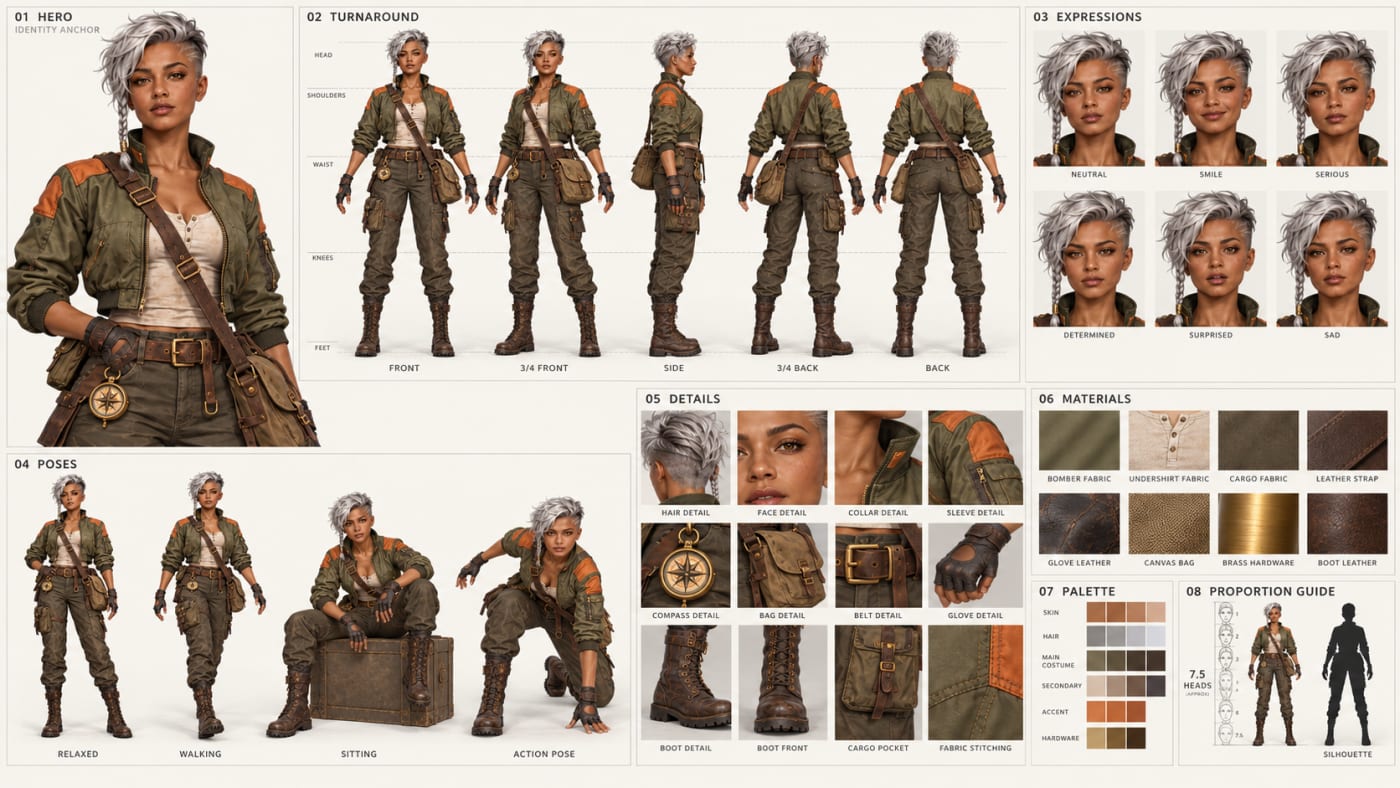
Using the uploaded character image as the single source of truth, create a studio-grade character model sheet, landscape 16:9, on a clean off-white board.

IDENTITY LOCK: keep the exact face, hairstyle, skin tone, body proportions, costume, colours, accessories and footwear. Do not redesign, stylise, age or simplify anything. Before laying out the sheet, lock the head-to-body ratio, silhouette, costume construction and accessory positions — every panel must show the same character.

SECTIONS (thin guide lines, small uppercase labels):
01 HERO — one polished three-quarter portrait as the identity anchor.
02 TURNAROUND — front, 3/4 front, side, 3/4 back, back; same scale, neutral pose, with head, shoulder, waist, knee and foot lines aligned across all five.
03 EXPRESSIONS — six heads: neutral, smile, serious, determined, surprised, sad; natural acting, no distortion.
04 POSES — four full-body poses: relaxed, walking, sitting, a signature action pose.
05 DETAILS — close-ups of hair, face, collar, sleeve construction, boots, accessories and any emblem or pattern.
06 MATERIALS — swatches showing each real material (fabric, leather, metal, etc.) with correct texture and sheen.
07 PALETTE — colour strip grouped as skin, hair, main costume, secondary, accent, hardware.
08 PROPORTION GUIDE — height in heads, key alignment lines and a solid silhouette thumbnail.

DIRECTION: neutral, even studio light for design inspection; orthographic-style framing for turnarounds; crisp, realistic material rendering; clear hierarchy, aligned panels, balanced white space — it should look like a real animation or game production document.

AVOID: identity drift, outfit changes, missing or duplicated accessories, extra limbs, bad hands, cropped bodies, dramatic backgrounds, clutter, watermarks, logos.
How to use this prompt
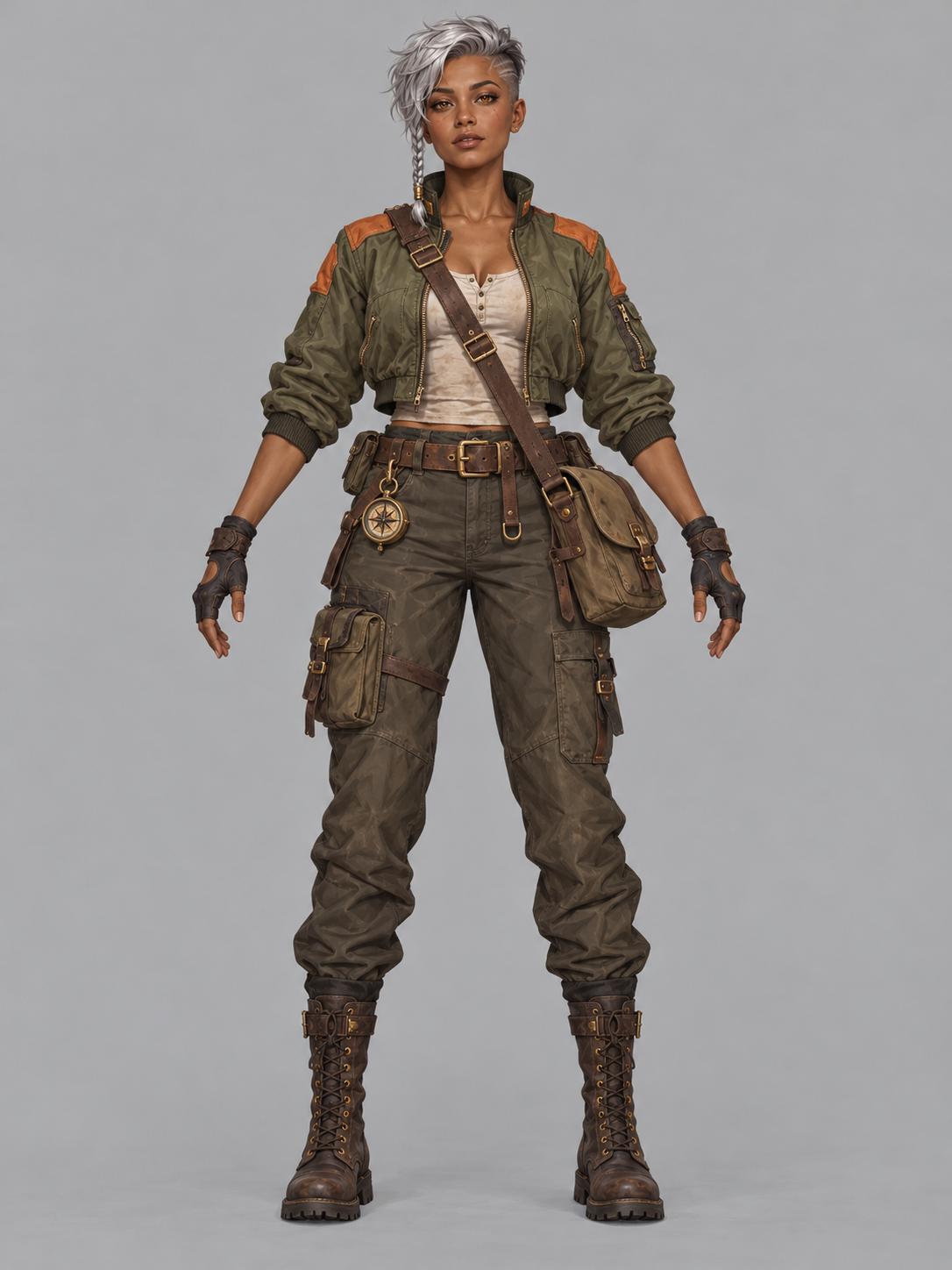
- 1Copy the full prompt and download the reference image shown next to the result.
- 2Open GPT Image or an image node in TrendyFlow, upload the reference image, then paste the prompt.
- 3Swap the subject, style, colours or on-image text to fit your idea, then generate and iterate.
This is a free prompt from TrendyFlow's library. Explore more character sheet prompts, all free to copy and adapt.
More character sheet promptsRelated prompts
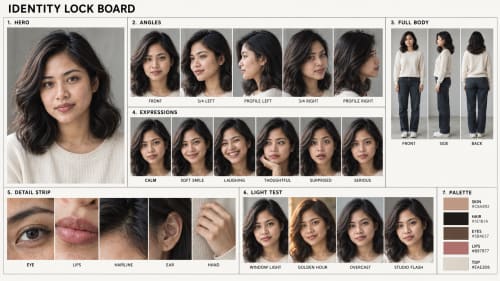
Same-Face Portrait Identity Board
Character Sheet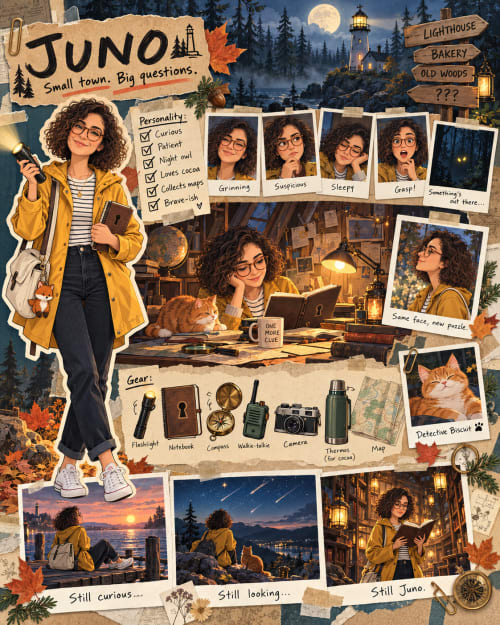
Cozy Mystery-Town Cartoon Scrapbook Character Board
Character Sheet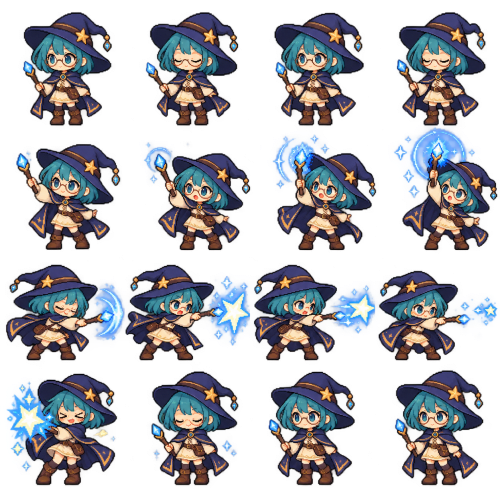
16-Frame Pixel Spell-Cast Sprite Sheet from Your Character
Character Sheet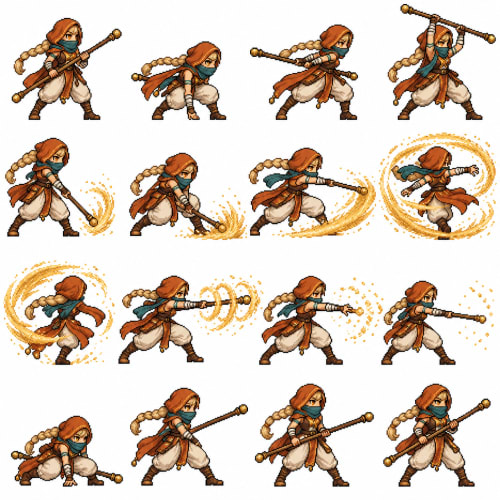
4x4 Pixel Art Staff Combat Sprite Sheet
Character SheetQuestions about this prompt
Can I change this character sheet prompt for my own subject?
Yes. Keep the structure (format, layout, style and constraints) and replace only the subject, names, colours or text. Changing one section at a time makes it easier to see what each edit does.
Do I need a reference image for this prompt?
Yes, this prompt is designed around an uploaded reference image. Download the reference shown on this page, or use your own photo of the same type.
What aspect ratio should I use?
Use the aspect ratio written in the prompt when there is one, since the layout depends on it. Otherwise pick 4:5 or 9:16 for social posts and 16:9 for presentations and video thumbnails.