
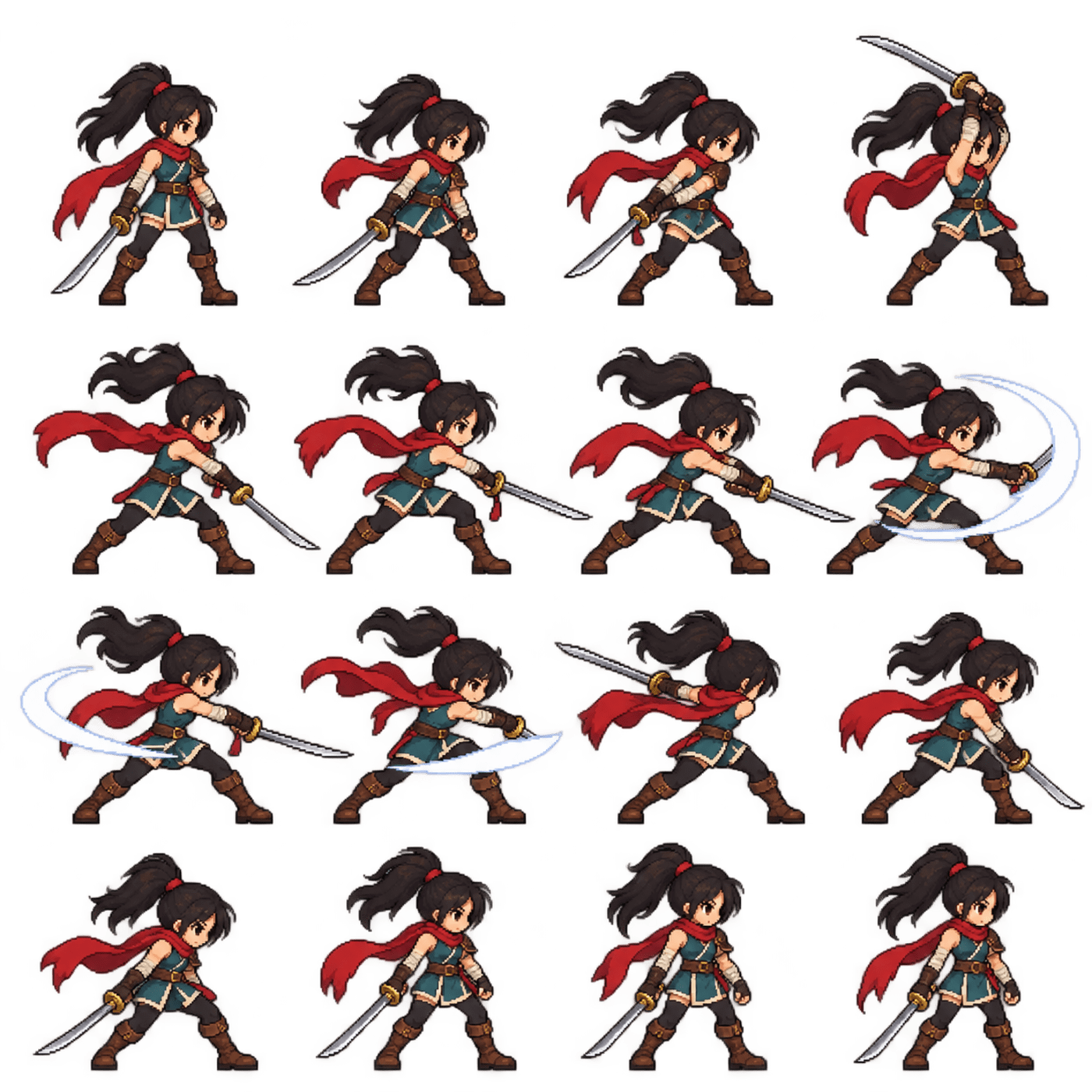
16-Frame Pixel Action Sprite Sheet from a Starter Character
A free character sheet prompt for GPT Image that works with an uploaded reference image. Copy it as-is, or change the subject and details to fit your idea.
Full prompt
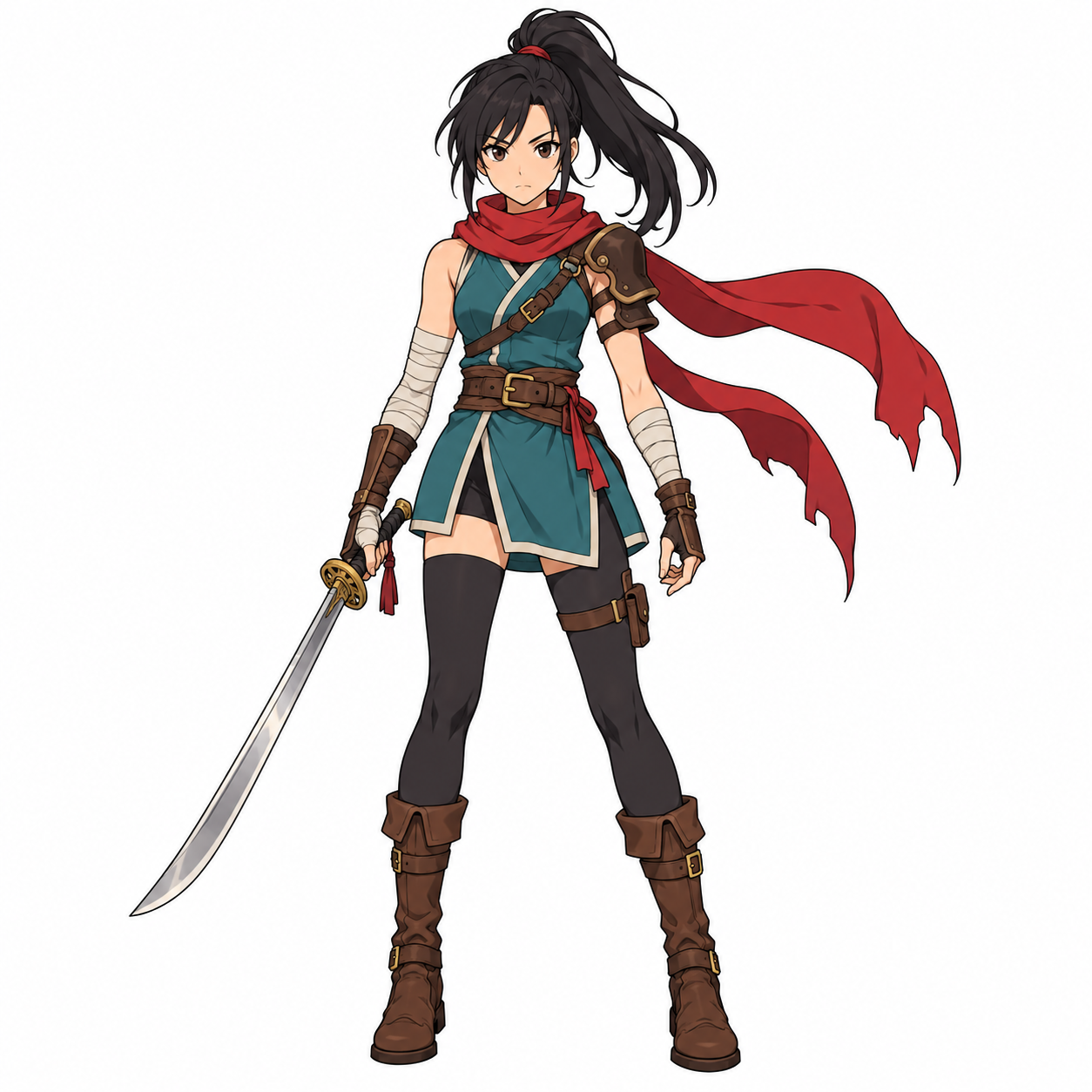
Turn the character in image 1 into a high-quality 2D pixel-art game sprite: one square sheet, 4×4 equal cells, 16 frames of a continuous sword-slash animation, read left to right, top to bottom.

• Keep the face, hairstyle, body shape, outfit colours, scarf and sword design exactly.
• Same pixel scale, character size, facing direction (right) and palette in all 16 frames.
• Frames 1–3: idle and wind-up. Frames 4–7: weight shift and the swing begins. Frames 8–10: main slash with a short white arc. Frames 11–13: follow-through and momentum (scarf and ponytail trailing). Frames 14–16: settle back to idle — frame 16 must loop smoothly into frame 1.
• Between neighbouring frames, move only the joints, outline, scarf, hair and sword needed for the motion; keep direction and arcs continuous.
• Same camera, scale, foot baseline and centre in every cell; never crop the head, sword, scarf or effect.
• Transparent background; if transparency is unreliable, use one flat solid colour for easy cut-out.
• No scenery, floor texture, grid lines, numbers or text.
• Hard-edged pixels, limited palette, consistent pixel density. No blur, anti-aliasing, semi-realistic rendering, repeated or skipped frames, costume changes, extra weapons, camera changes or per-cell recomposition.
How to use this prompt
- 1Copy the full prompt and download the reference image shown next to the result.
- 2Open GPT Image or an image node in TrendyFlow, upload the reference image, then paste the prompt.
- 3Swap the subject, style, colours or on-image text to fit your idea, then generate and iterate.
This is a free prompt from TrendyFlow's library. Explore more character sheet prompts, all free to copy and adapt.
More character sheet promptsRelated prompts
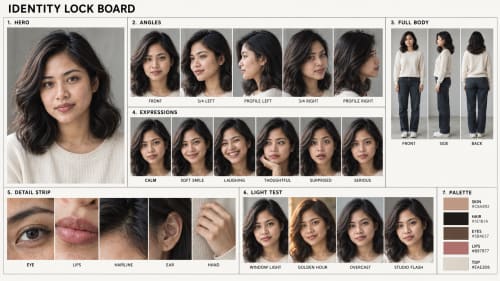
Same-Face Portrait Identity Board
Character Sheet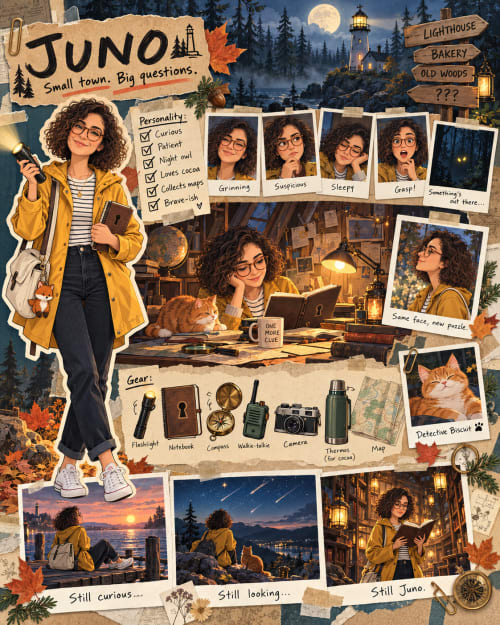
Cozy Mystery-Town Cartoon Scrapbook Character Board
Character Sheet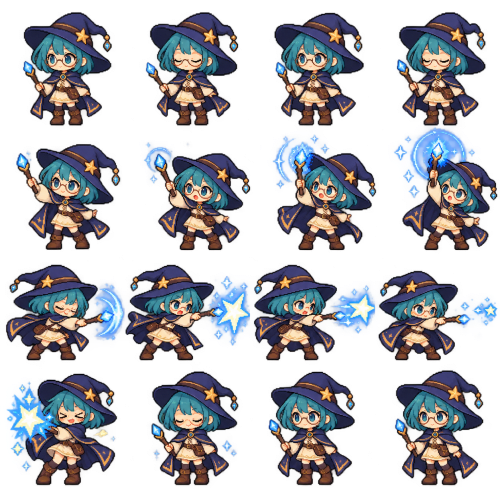
16-Frame Pixel Spell-Cast Sprite Sheet from Your Character
Character Sheet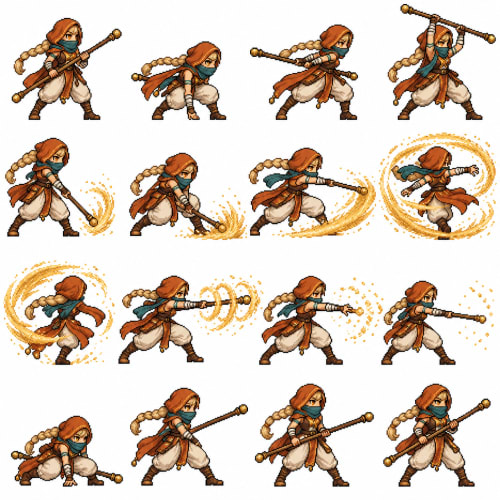
4x4 Pixel Art Staff Combat Sprite Sheet
Character SheetQuestions about this prompt
Can I change this character sheet prompt for my own subject?
Yes. Keep the structure (format, layout, style and constraints) and replace only the subject, names, colours or text. Changing one section at a time makes it easier to see what each edit does.
Do I need a reference image for this prompt?
Yes, this prompt is designed around an uploaded reference image. Download the reference shown on this page, or use your own photo of the same type.
What aspect ratio should I use?
Use the aspect ratio written in the prompt when there is one, since the layout depends on it. Otherwise pick 4:5 or 9:16 for social posts and 16:9 for presentations and video thumbnails.