
Concept-to-Form Creator Launch Poster
A free poster prompt for GPT Image that works with an uploaded reference image. Copy it as-is, or change the subject and details to fit your idea.
Full prompt
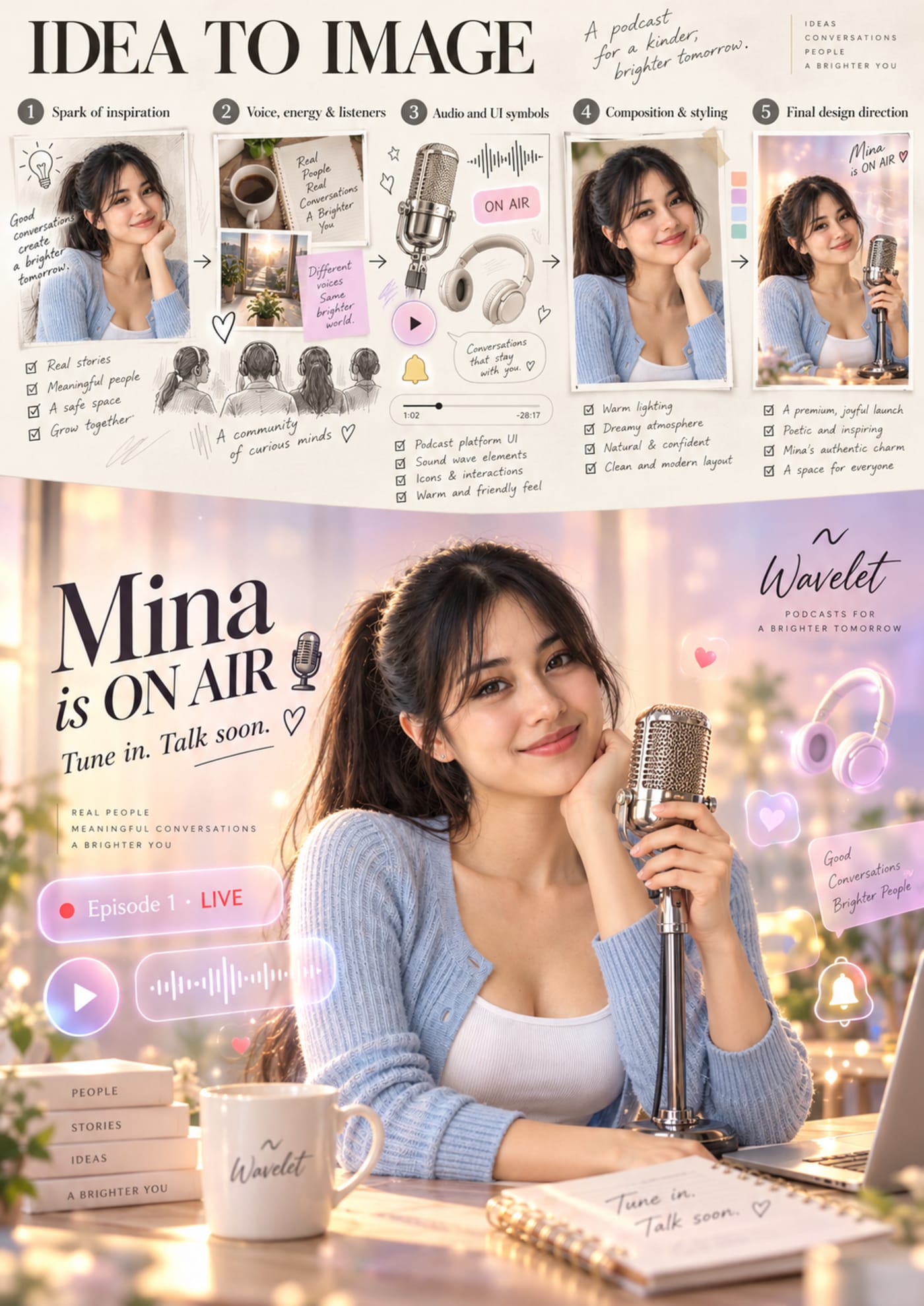
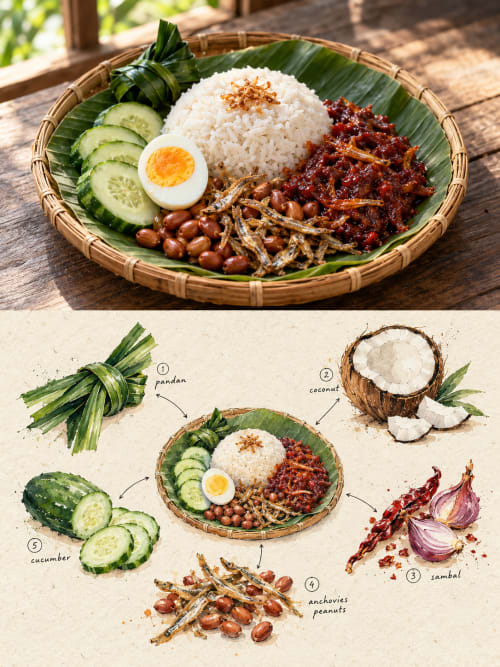
Turn a theme into a finished visual and show both the design process and the final result in one vertical A4 composition with two tiers. Theme: a creator named "Mina" launching her first podcast.

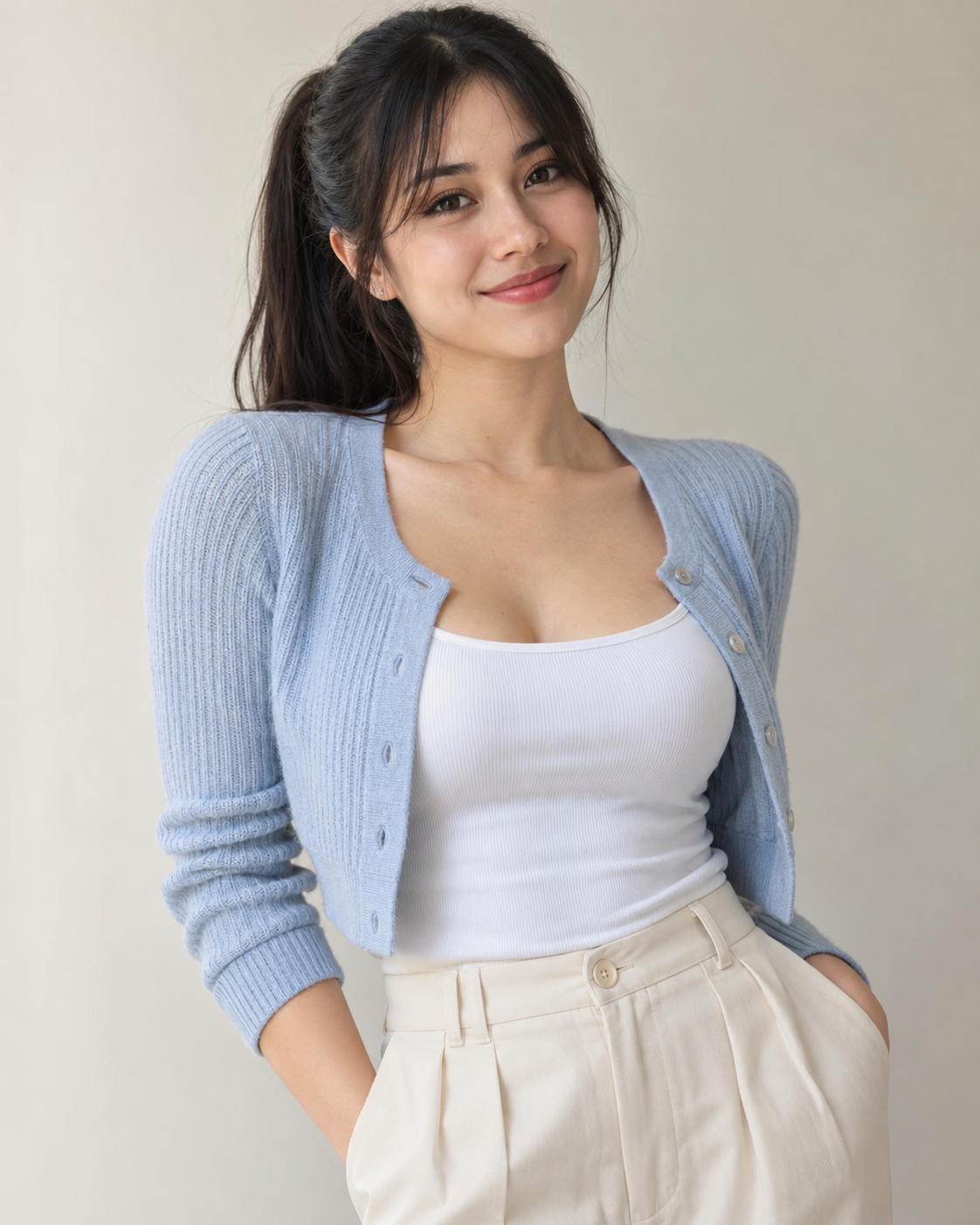
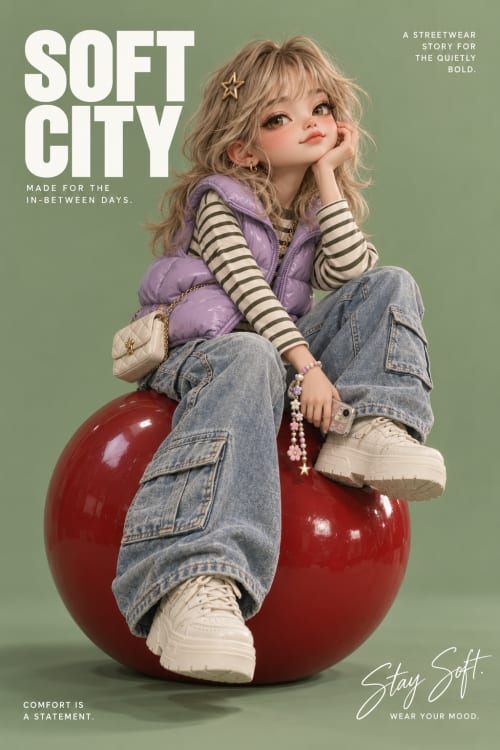
REFERENCE: use the uploaded photo strictly for Mina's identity, face, hairstyle, outfit and expression.

TOP TIER — "IDEA TO IMAGE": a 5-step process diagram flowing left to right with small arrows:
Spark of inspiration → Voice, energy & listeners → Audio and UI symbols → Composition & styling → Final design direction.
Visual language: delicate sketching, soft line art and UI-diagram elements; floating icons such as a microphone, sound waves, a "Live" badge, headphones, hearts, a play button and a notification bell; tiny arrows, micro annotations and short English labels; clean, refined spacing. Small title: "IDEA TO IMAGE".

BOTTOM TIER — HERO POSTER derived from the process: a cute premium campaign poster of Mina in a glowing, dreamy studio, holding a vintage-style microphone, radiant and joyful in her "first episode is live" moment.
• Soft pastel gradient background (peach, lilac, mint) with a gentle golden glow and faint neon accents.
• Floating 3D UI elements: "Episode 1 · LIVE" pill, play button, waveform, hearts.
• Cinematic depth, soft lens flare, light particles and bokeh.
• Main text: "Mina is ON AIR 🎙️". Tagline: "Tune in. Talk soon." Fictional platform name in small type: "Wavelet".

OVERALL: a blend of concept board, social-media campaign poster and design-development sheet — minimal, poetic and intelligent, with clean negative space, neutral base tones and one or two pastel accents. Focus on natural skin glow, fabric texture, realistic light and materials, and UI elements woven into the aesthetic. Ultra-high resolution, commercial advertising quality, soft cinematic finish.
How to use this prompt
- 1Copy the full prompt and download the reference image shown next to the result.
- 2Open GPT Image or an image node in TrendyFlow, upload the reference image, then paste the prompt.
- 3Swap the subject, style, colours or on-image text to fit your idea, then generate and iterate.
This is a free prompt from TrendyFlow's library. Explore more poster prompts, all free to copy and adapt.
More poster promptsRelated prompts
Questions about this prompt
Can I change this poster prompt for my own subject?
Yes. Keep the structure (format, layout, style and constraints) and replace only the subject, names, colours or text. Changing one section at a time makes it easier to see what each edit does.
Do I need a reference image for this prompt?
Yes, this prompt is designed around an uploaded reference image. Download the reference shown on this page, or use your own photo of the same type.
What aspect ratio should I use?
Use the aspect ratio written in the prompt when there is one, since the layout depends on it. Otherwise pick 4:5 or 9:16 for social posts and 16:9 for presentations and video thumbnails.