
WebsiteGPT Image
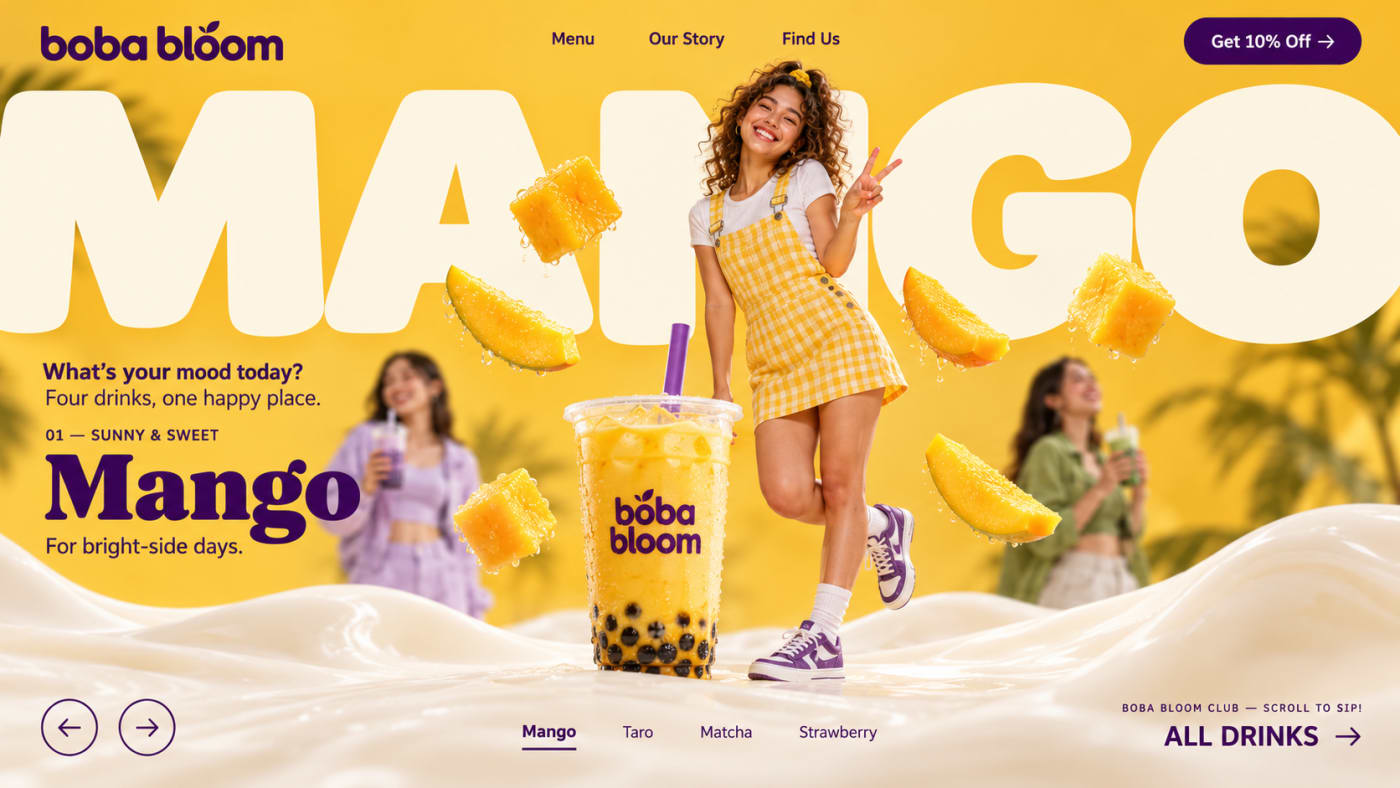
Mango Bubble Tea Website Hero Mockup
A free website prompt for GPT Image. Copy it as-is, or change the subject and details to fit your idea.
Full prompt
Create a photorealistic website hero mockup for a playful bubble-tea brand called "boba bloom", featuring the Mango flavour. Wide 16:9 landing page.

BACKGROUND: full-bleed sunny mango-yellow with a soft cream wave of foam along the bottom third. Glossy pop-commercial look mixing real photography, oversized type and floating fruit.

LAYOUT
• Top nav: deep-purple "boba bloom" wordmark at top left; three centred links "Menu", "Our Story", "Find Us"; a purple pill button top right reading "Get 10% Off →".
• Behind everything: one huge cream-white word "MANGO" spanning almost the full width, slightly cropped at the edges.
• Centre: a smiling young woman in front of the giant word, mango slices floating around her, a tall bubble-tea cup at her feet.
• Left: copy block — "What's your mood today?", "Four drinks, one happy place.", "01 — SUNNY & SWEET", "Mango", "For bright-side days."
• Bottom left: exactly 2 round outline arrow buttons (left and right).
• Bottom centre: exactly 4 flavour tabs — Mango (underlined, active), Taro, Matcha, Strawberry.
• Bottom right: microcopy "BOBA BLOOM CLUB — SCROLL TO SIP!" and a large "ALL DRINKS →" link.

MAIN SUBJECT: a cheerful young woman, full body, crisp photo cutout slightly right of centre — curly shoulder-length brown hair with a yellow scrunchie, big smile, one hand making a peace sign. Outfit: yellow gingham overall dress over a white short-sleeve tee, white socks and chunky purple sneakers.

COUNTED ELEMENTS: exactly 6 floating mango cubes and slices around her; exactly 1 large clear cup of mango bubble tea with tapioca pearls, wide straw, condensation and the purple "boba bloom" logo; exactly 2 small blurred background figures — one in lilac holding a taro drink on the left, one in green holding a matcha drink on the right.

STYLE: high-end photographic ad composite, soft studio light, crisp legible English UI text aligned like a real website, deep-purple accents. No browser chrome, mobile UI, extra tabs, extra people or watermarks.
How to use this prompt
- 1Copy the full prompt with the Copy prompt button.
- 2Open GPT Image or an image node in TrendyFlow and paste the prompt.
- 3Swap the subject, style, colours or on-image text to fit your idea, then generate and iterate.
This is a free prompt from TrendyFlow's library. Explore more website prompts, all free to copy and adapt.
More website promptsRelated prompts
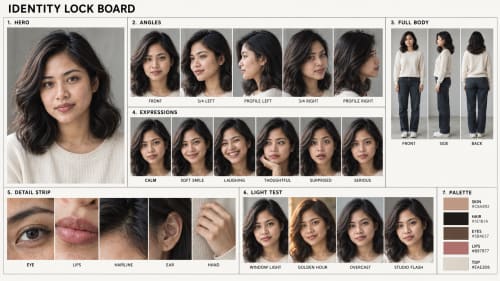
Same-Face Portrait Identity Board
Character Sheet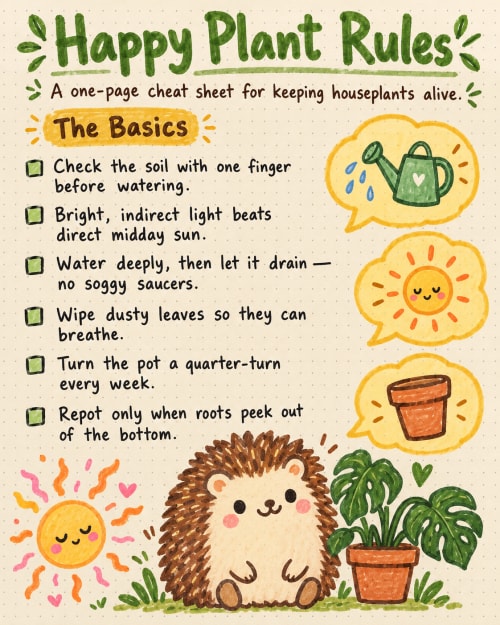
Houseplant Care Kawaii Anchor Chart
Hand-drawn notes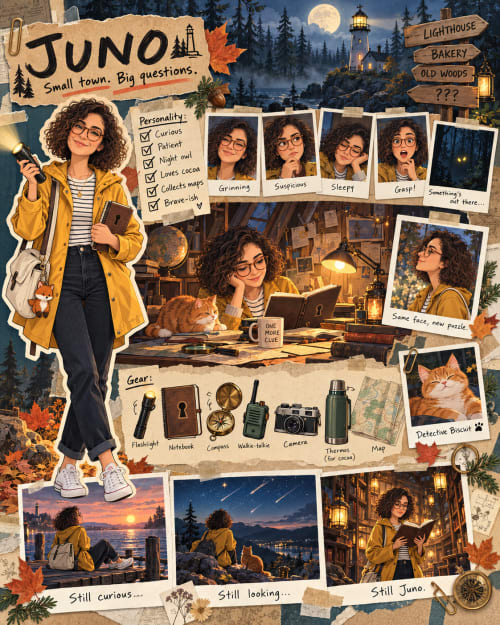
Cozy Mystery-Town Cartoon Scrapbook Character Board
Character Sheet
Questions about this prompt
Can I change this website prompt for my own subject?
Yes. Keep the structure (format, layout, style and constraints) and replace only the subject, names, colours or text. Changing one section at a time makes it easier to see what each edit does.
Do I need a reference image for this prompt?
No. This prompt works from text alone, though you can add a reference image if you want to match a specific person, product or style.
What aspect ratio should I use?
Use the aspect ratio written in the prompt when there is one, since the layout depends on it. Otherwise pick 4:5 or 9:16 for social posts and 16:9 for presentations and video thumbnails.