
Hand-drawn notesGPT Image
Houseplant Care Kawaii Anchor Chart
A free hand-drawn notes prompt for GPT Image. Copy it as-is, or change the subject and details to fit your idea.
Full prompt
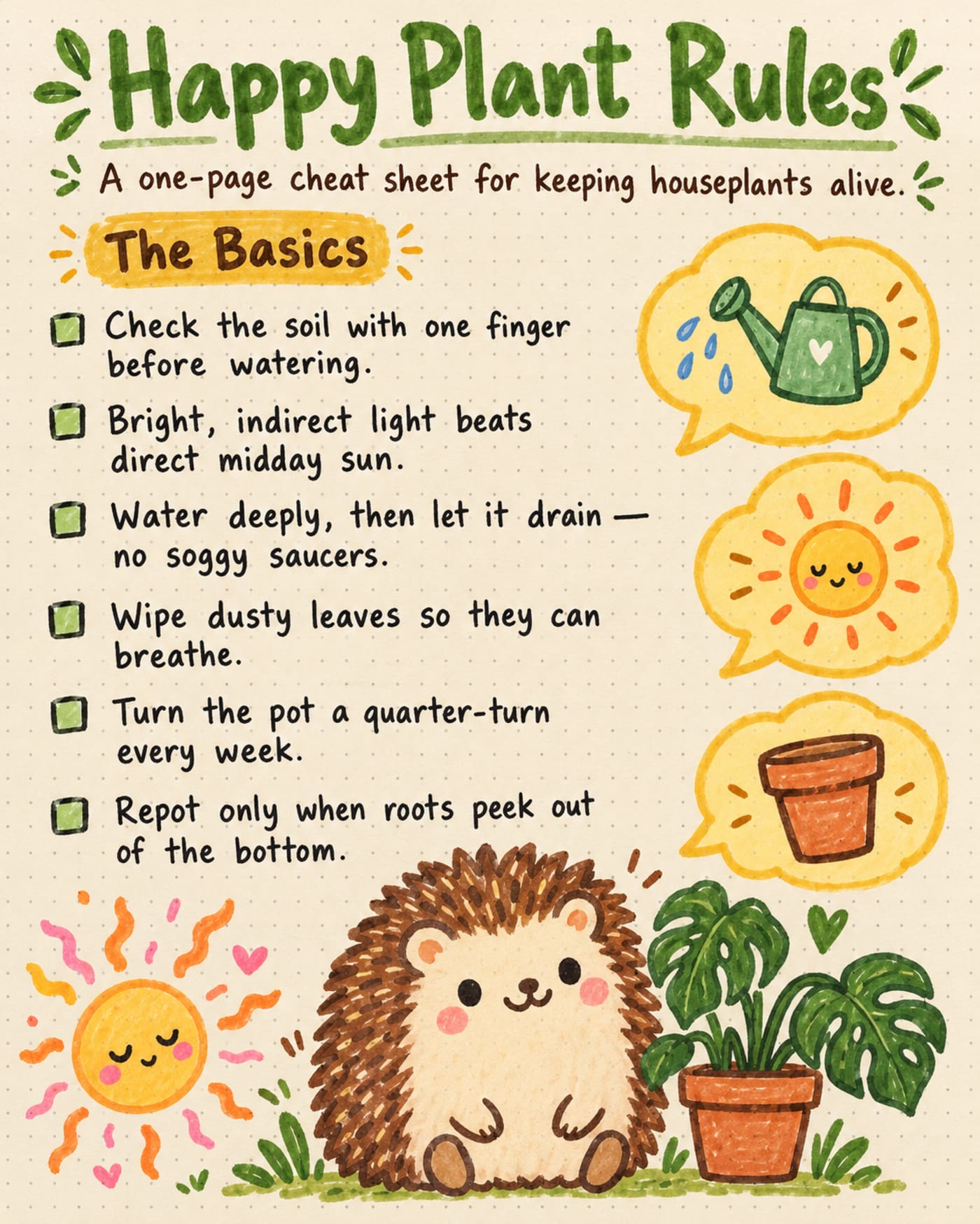
Hand-drawn classroom anchor chart on cream dot-grid notebook paper, vertical 4:5, cheerful kawaii marker illustration.

Title at the top in chunky leaf-green marker: "Happy Plant Rules". Under it, a short line in fine brown pen: "A one-page cheat sheet for keeping houseplants alive." A small mustard-yellow subheading: "The Basics".

Left half — a hand-lettered checklist in black fine pen with tiny doodled checkboxes:
• Check the soil with one finger before watering.
• Bright, indirect light beats direct midday sun.
• Water deeply, then let it drain — no soggy saucers.
• Wipe dusty leaves so they can breathe.
• Turn the pot a quarter-turn every week.
• Repot only when roots peek out of the bottom.

Right side: three small mustard speech-bubble clouds, each holding a single doodle (a watering can, a sun, a terracotta pot), no words inside.
Lower centre: a chubby smiling hedgehog sitting beside a tiny potted monstera, round black eyes, pink cheek dots, thick brown outline.
Lower-left corner: a doodled sun with a sleepy face and wavy rays in orange and pink.

Marker texture with slight streaks and ink bleed, visible paper grain, flat even daylight, imperfect hand lettering. No photorealism, no 3D shading, no logos, no watermark, no UI.
How to use this prompt
- 1Copy the full prompt with the Copy prompt button.
- 2Open GPT Image or an image node in TrendyFlow and paste the prompt.
- 3Swap the subject, style, colours or on-image text to fit your idea, then generate and iterate.
This is a free prompt from TrendyFlow's library. Explore more hand-drawn notes prompts, all free to copy and adapt.
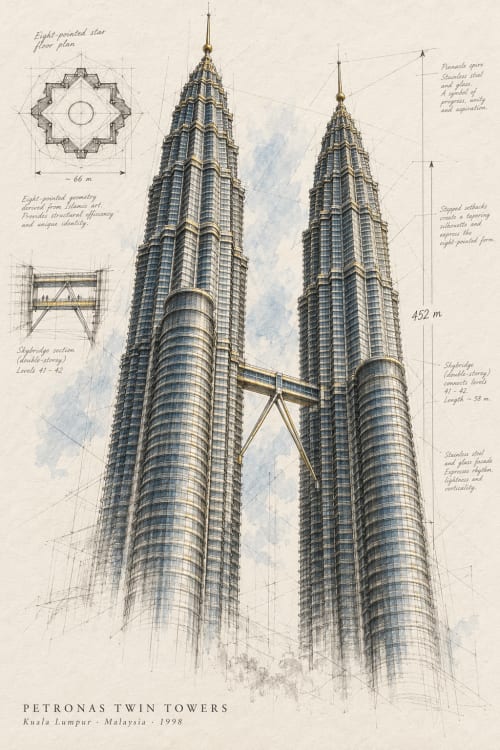
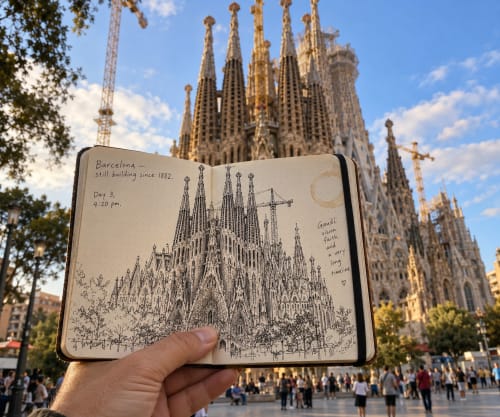
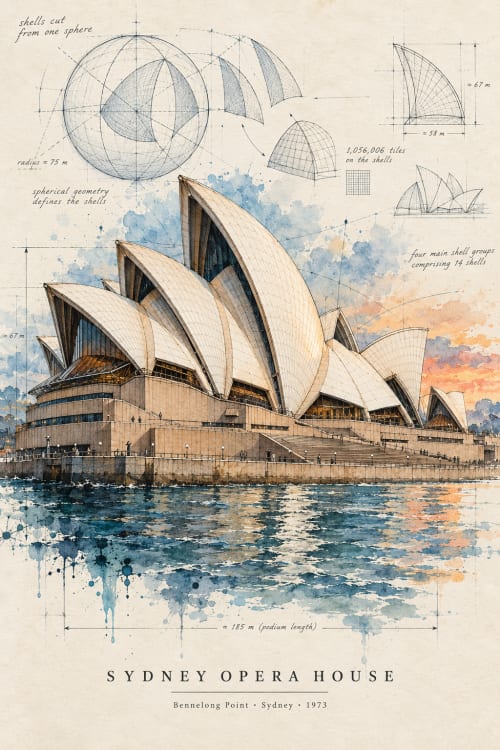
More hand-drawn notes promptsRelated prompts
Questions about this prompt
Can I change this hand-drawn notes prompt for my own subject?
Yes. Keep the structure (format, layout, style and constraints) and replace only the subject, names, colours or text. Changing one section at a time makes it easier to see what each edit does.
Do I need a reference image for this prompt?
No. This prompt works from text alone, though you can add a reference image if you want to match a specific person, product or style.
What aspect ratio should I use?
Use the aspect ratio written in the prompt when there is one, since the layout depends on it. Otherwise pick 4:5 or 9:16 for social posts and 16:9 for presentations and video thumbnails.