
Turn a written scene into a Seedance video clip
Use the Seedance 2.0 Text to Video template to describe motion, camera, and mood — then generate a short draft clip and iterate without leaving TrendyFlow.
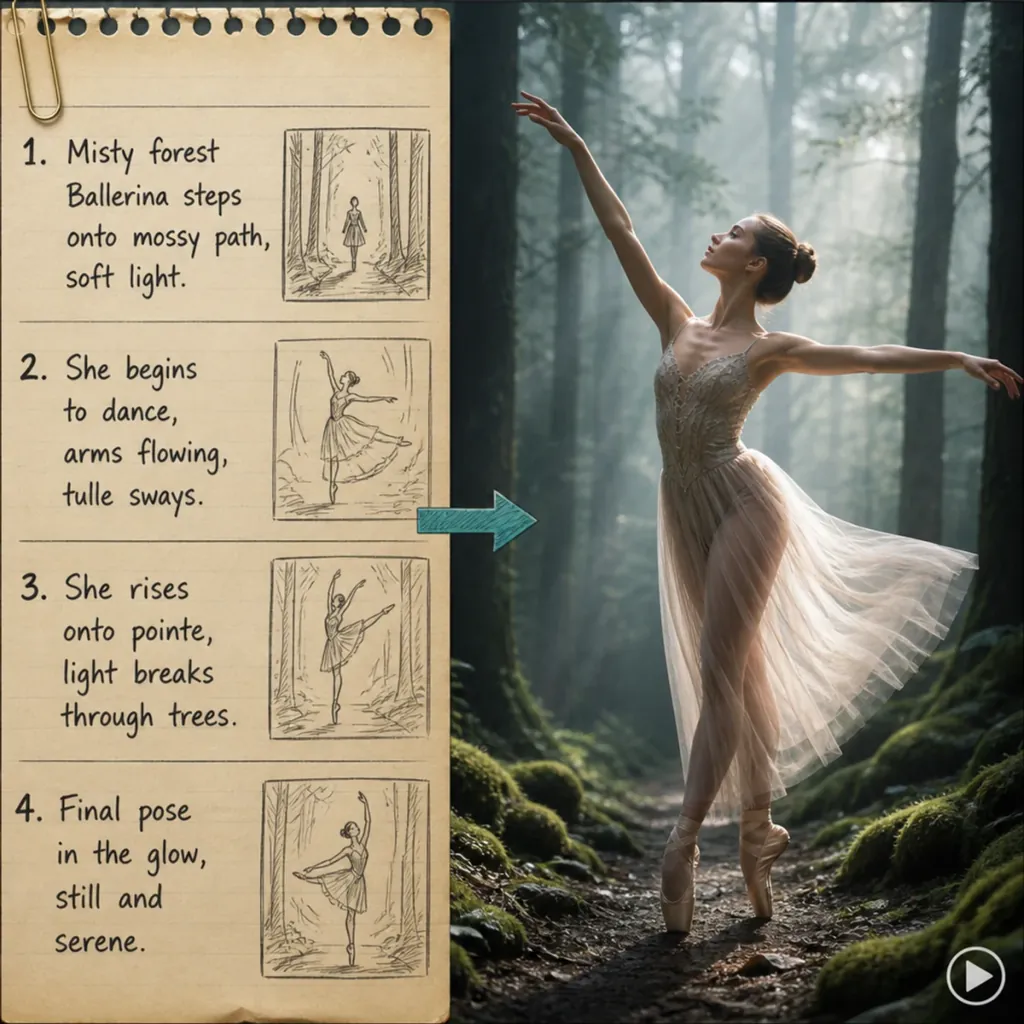
How the workflow runs
Follow these steps in the TrendyFlow editor — each one maps to a node on the canvas.
- 1
Open Seedance 2.0: Text to Video
- 2
Edit the Prompt node with scene, camera, and lighting notes
- 3
Keep 480p / 4s / audio off for faster drafts (raise quality when ready)
- 4
Run Seedance, preview, then export MP4
Questions
- How fast is Seedance in TrendyFlow?
- We default to Seedance 2.0 Fast at 480p and 4 seconds without audio for quicker drafts. Final quality still depends on provider queue time.
- Can I use first and last frames?
- Yes — open the First–Last-Frame to Video template when you want controlled transitions between two stills.
More workflows
Explore other TrendyFlow use cases built from the same template library.
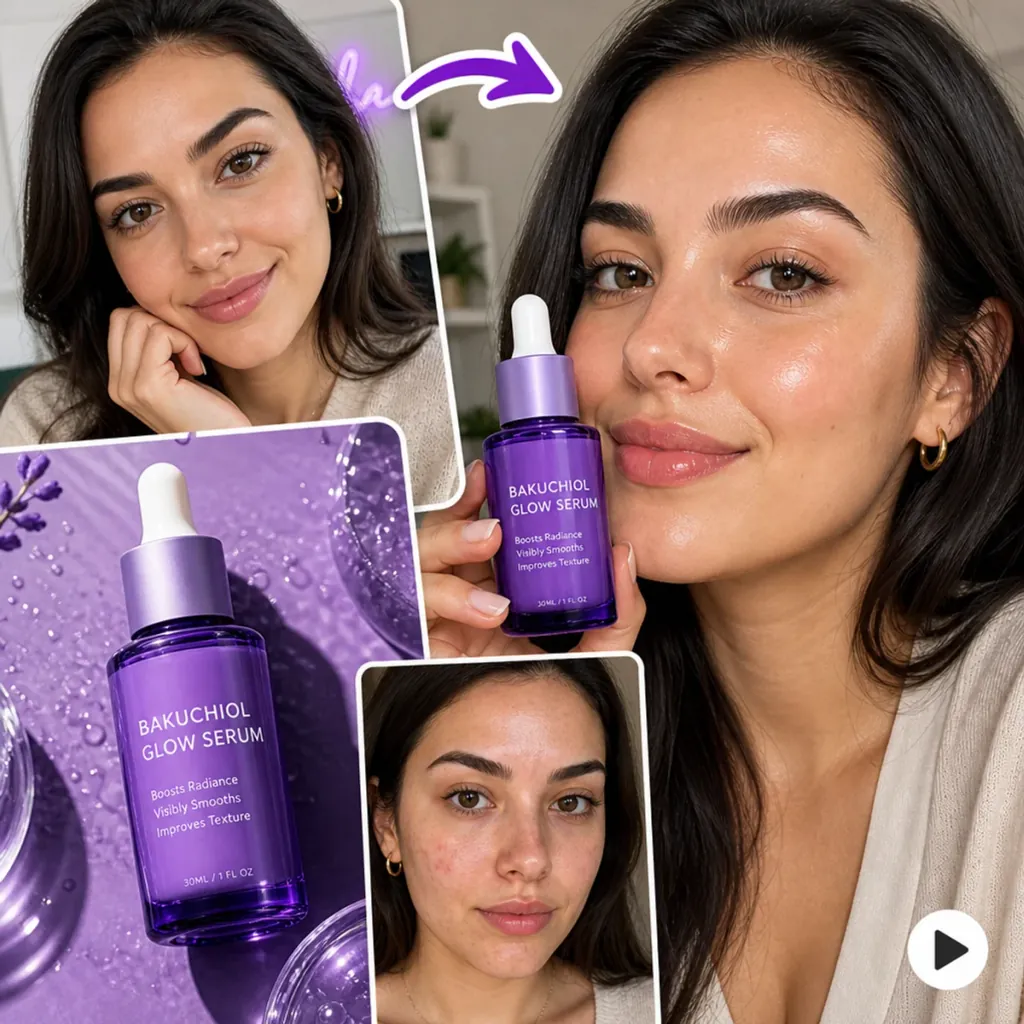
UGC video workflows
Start from the UGC Content template: import avatar and product stills, generate start/end frames, expand your promo line with GPTText, then animate with Seedance — all on one canvas.
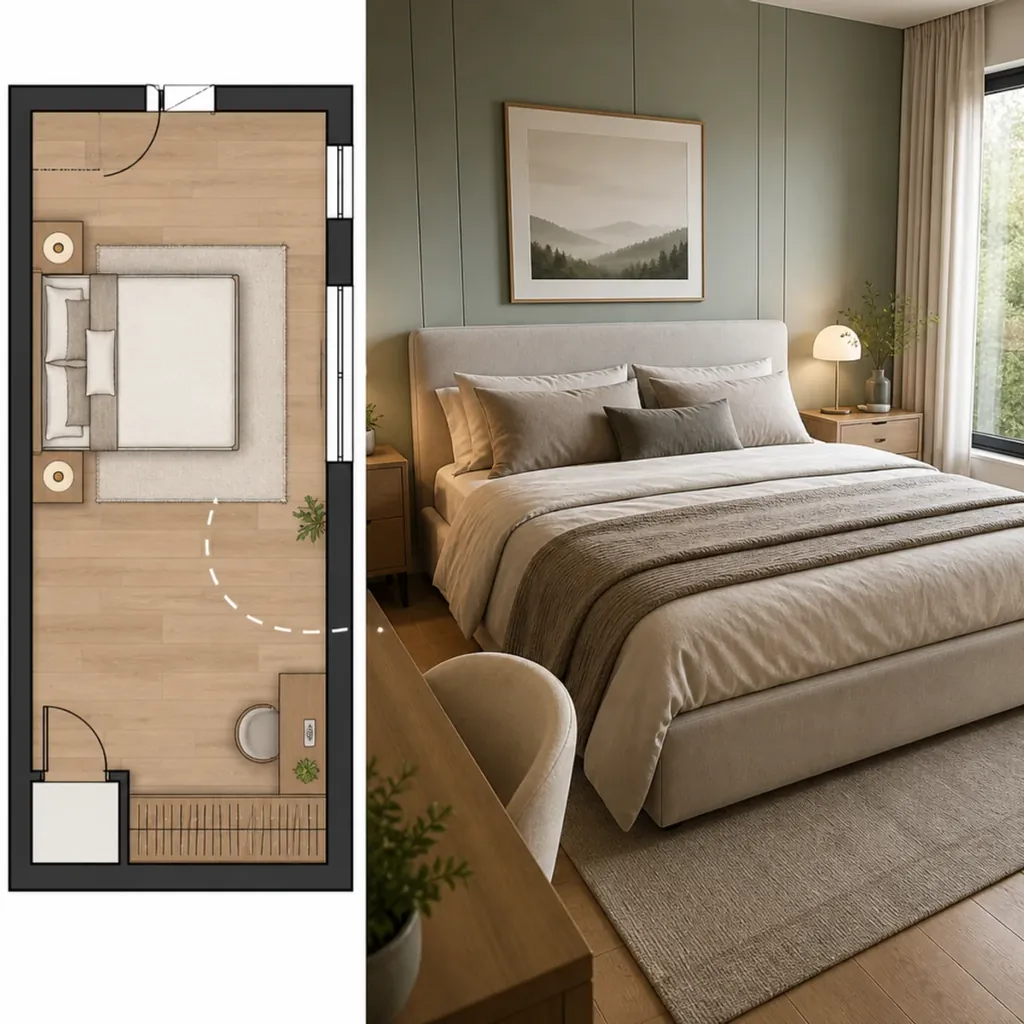
Interior plan renders
The Interior Plan Render template walks from Upload Plan → Prompt → Nano Banana Pro → Export so designers and real-estate teams can visualize rooms before build day.