
From floor plan to photoreal interior in one pipeline
The Interior Plan Render template walks from Upload Plan → Prompt → Nano Banana Pro → Export so designers and real-estate teams can visualize rooms before build day.
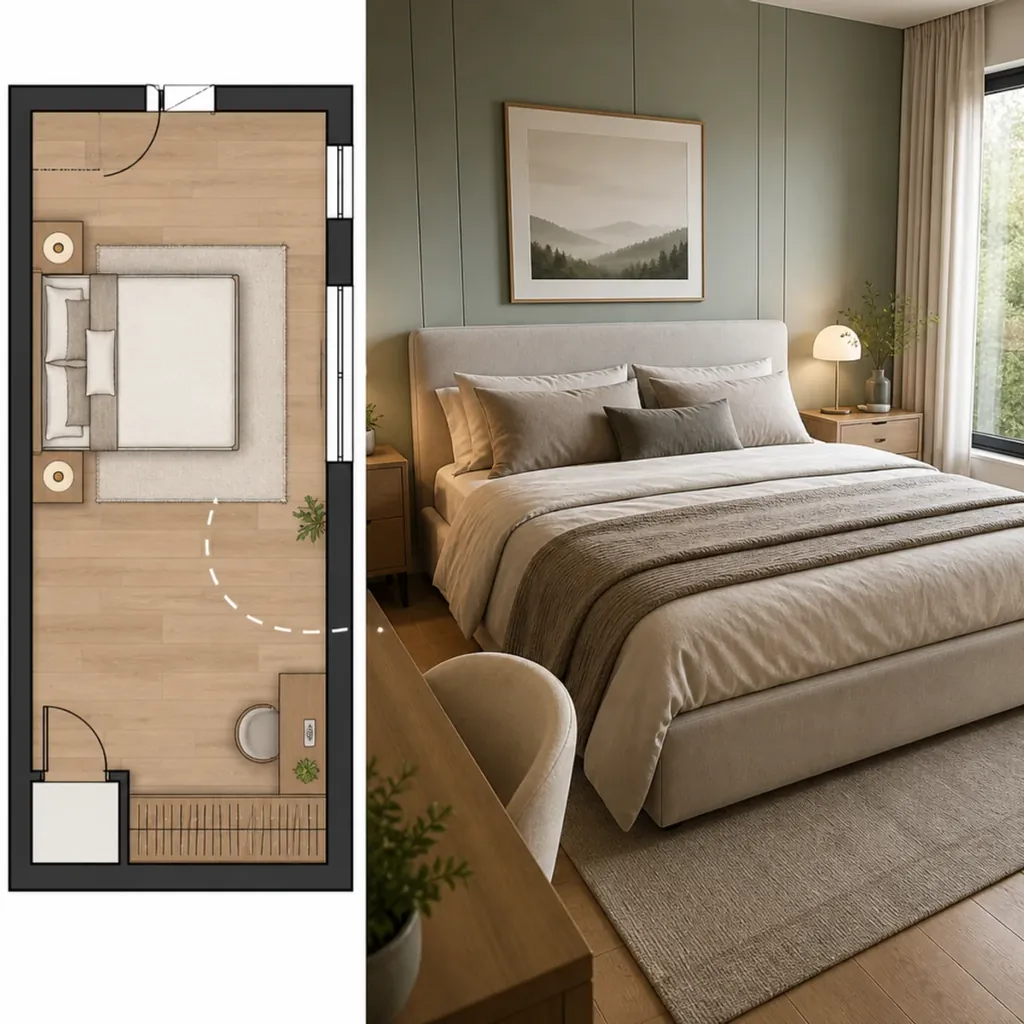
How the workflow runs
Follow these steps in the TrendyFlow editor — each one maps to a node on the canvas.
- 1
Open Interior Plan Render
- 2
Upload your floor-plan image
- 3
Describe materials, furniture, and lighting in the Prompt node
- 4
Generate with Nano Banana Pro and export the still
Questions
- What should I put in the room prompt?
- Mention style, materials, and lighting — for example modern oak floors, linen bedding, and soft daylight from the window.
- Can I animate the room after rendering?
- Yes. Use the Zoom Room template to reframe a room still and animate a slow Seedance push-in.
More workflows
Explore other TrendyFlow use cases built from the same template library.
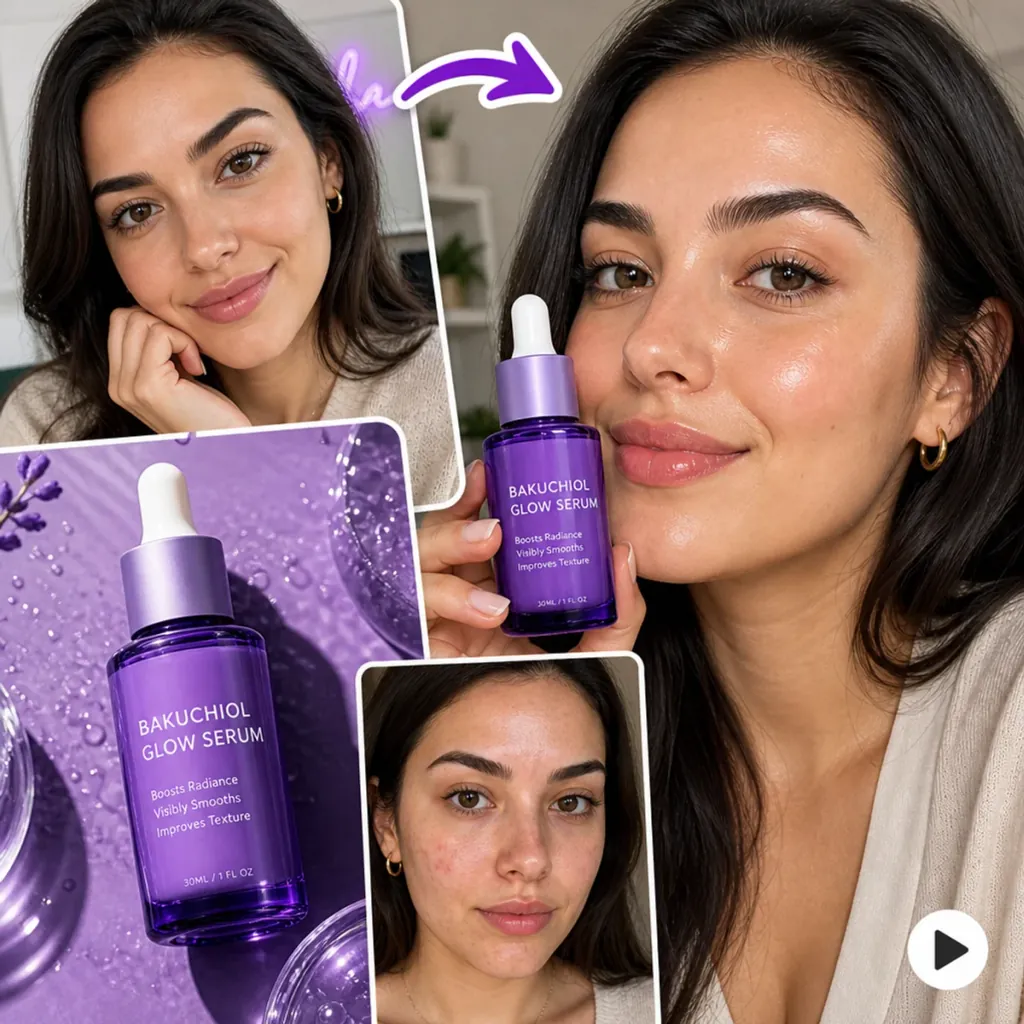
UGC video workflows
Start from the UGC Content template: import avatar and product stills, generate start/end frames, expand your promo line with GPTText, then animate with Seedance — all on one canvas.
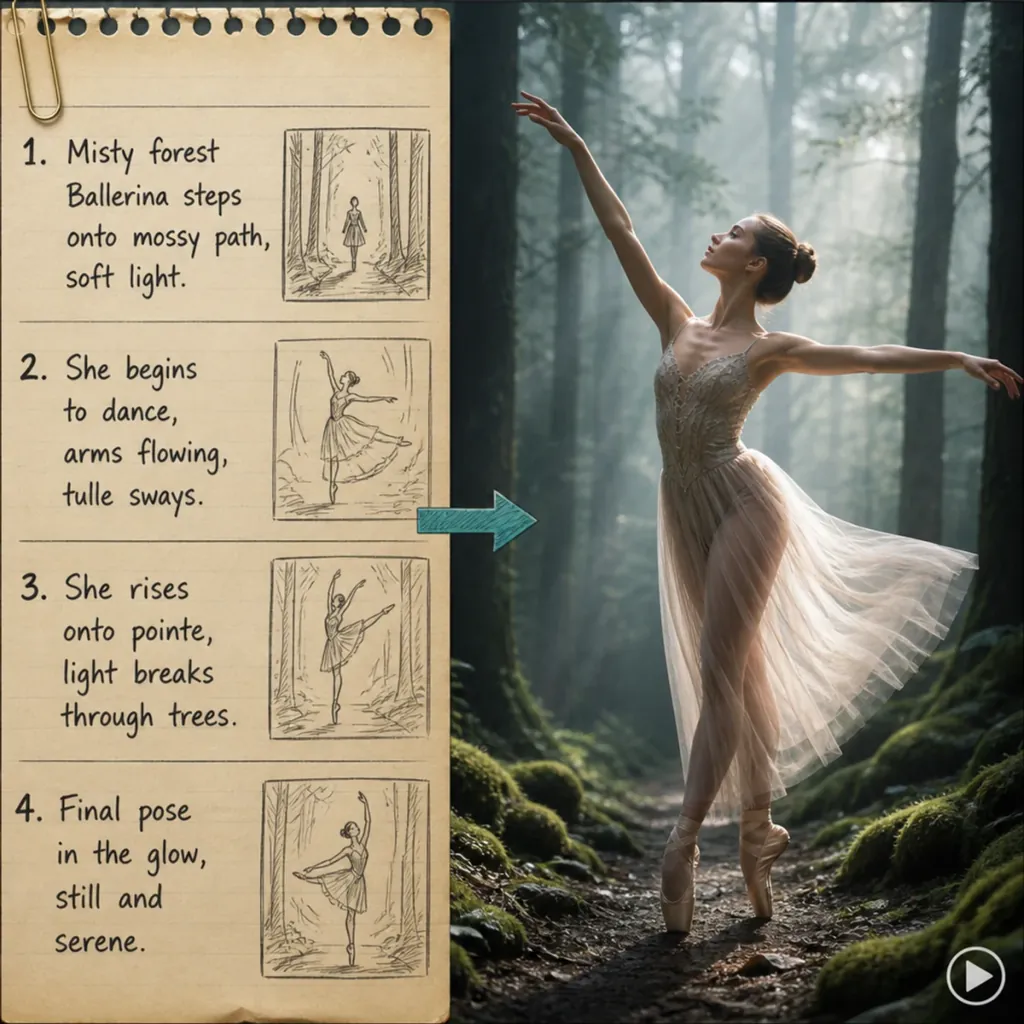
Seedance text-to-video
Use the Seedance 2.0 Text to Video template to describe motion, camera, and mood — then generate a short draft clip and iterate without leaving TrendyFlow.